Sons of the Forest hosting that can’t wipe your world.
This game ships a setting whose New value rebuilds the world from scratch on every restart — one stray edit and the island you spent a month on is gone, quietly, a restart at a time. We force the safe value on the command line where an edit cannot reach it. All 35 server settings are labeled fields, mods install in one click, and the first modded boot is already built and cached before your server exists. On a Ryzen 9 9950X, from $27.50/mo for 10 GB of guaranteed dedicated RAM. The game caps a server at 8 players, so nobody here sells you slots.
- ✓Backed up nightly, off-site — restore or download them yourself.
- ✓Every file is yours — file manager and config editor in the browser.
- ✓Share the server, not your account — and take the keys back anytime.
- ✓Switch games later, keep the world — your RAM is a pool.
Automatic server install.
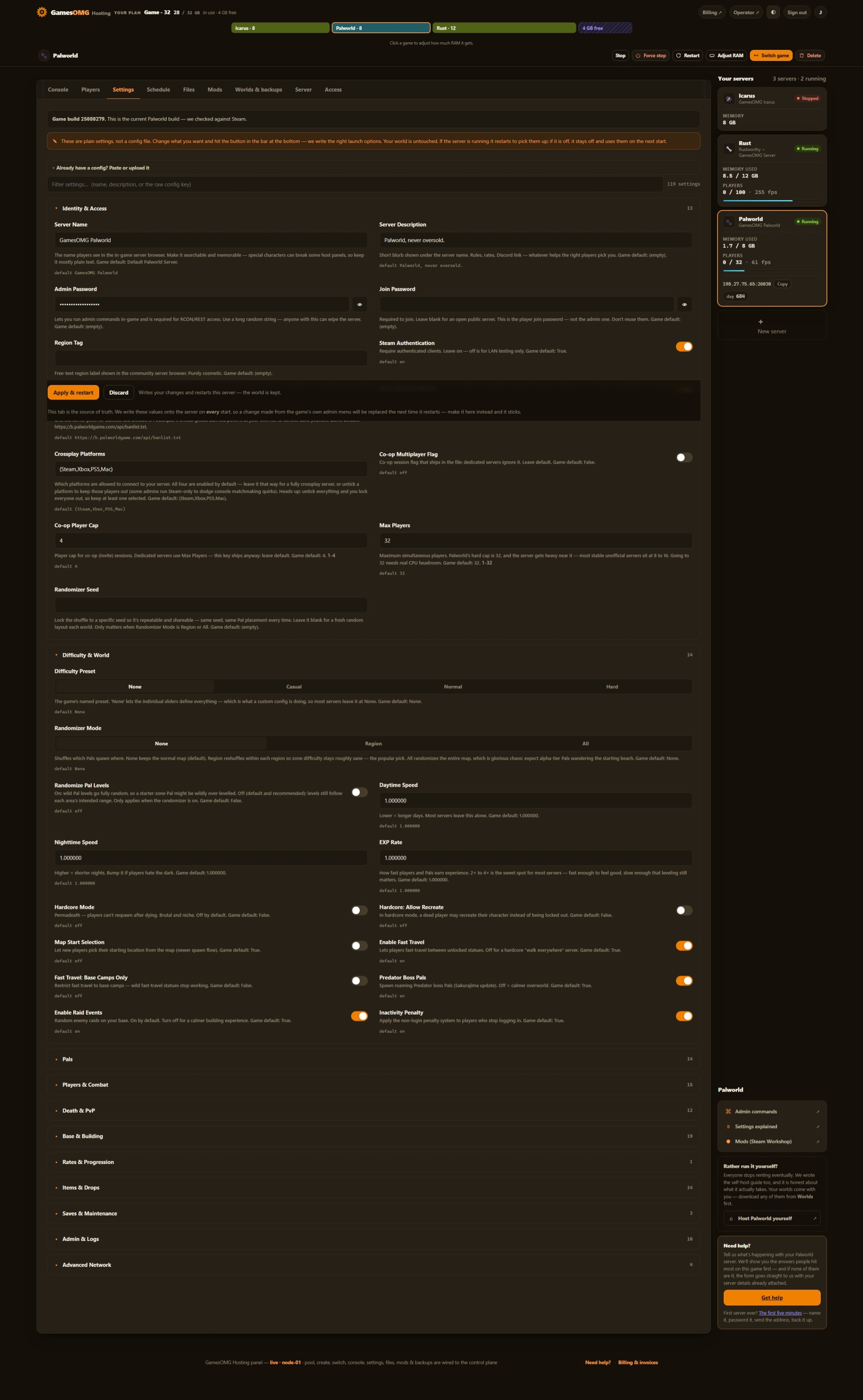
35 settings as labeled fields, each with the game’s own default beside it
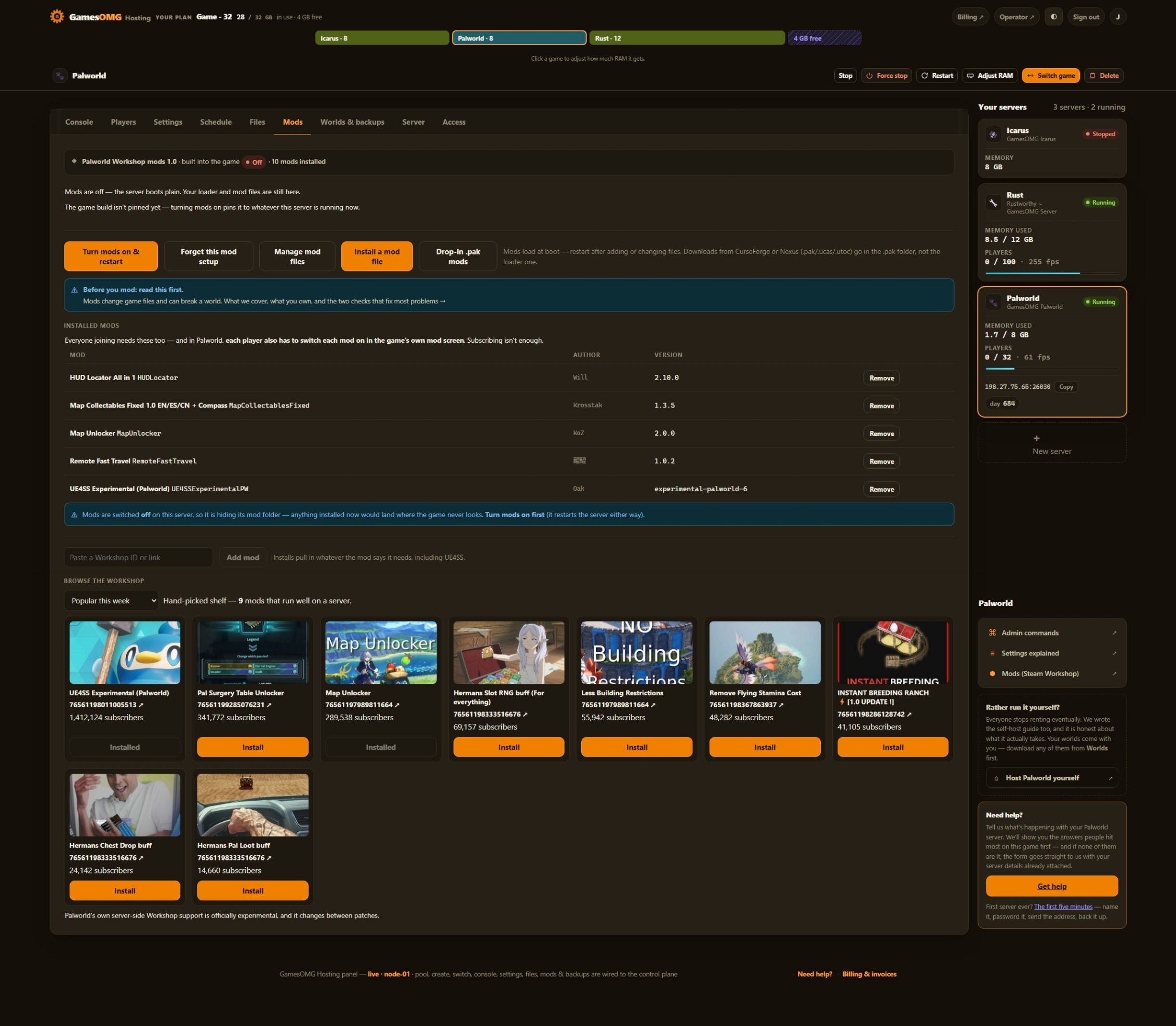
One-click RedLoader, and the panel names any mod your server refused
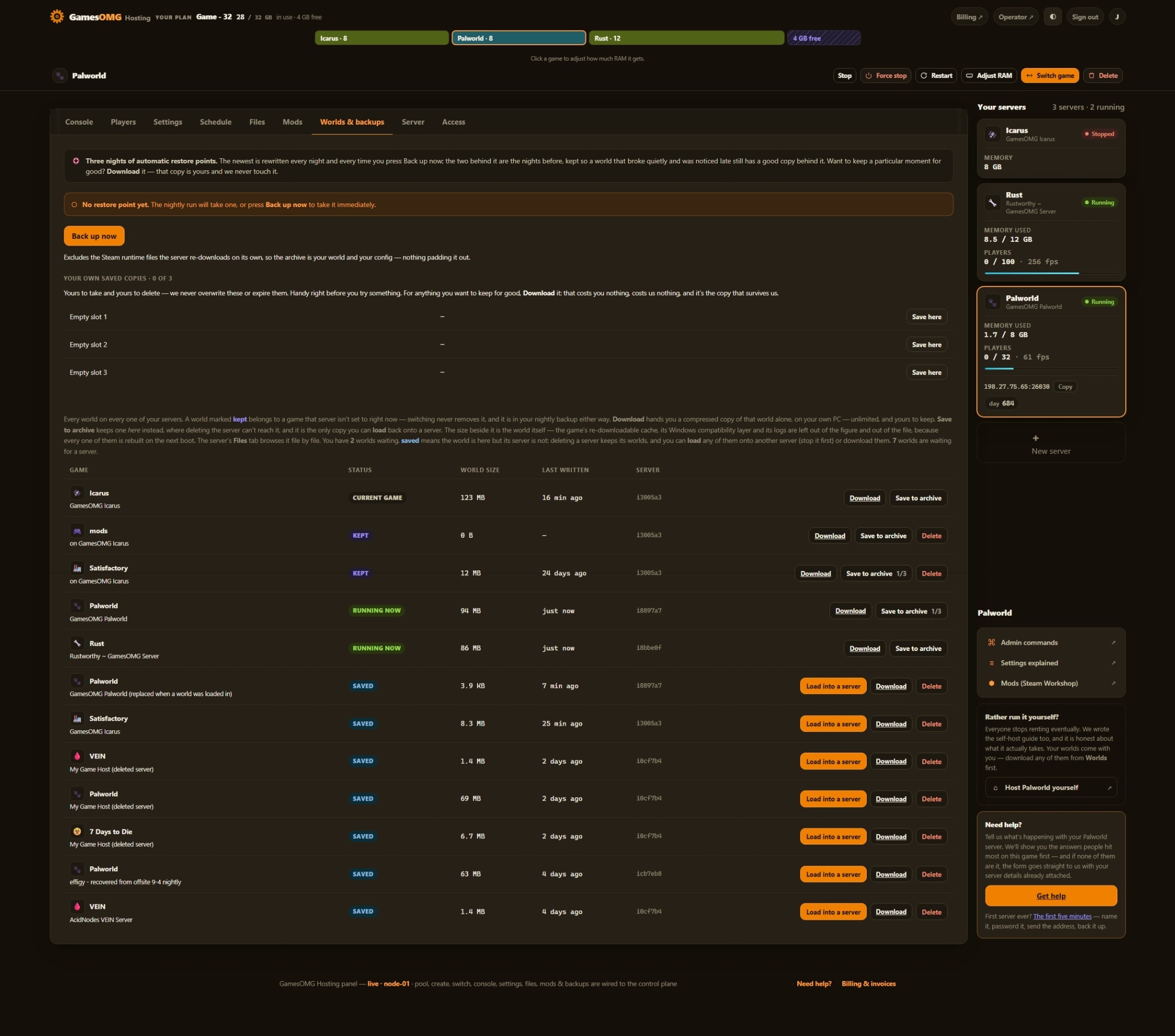
Nightly off-site backups, full file access, and your world downloadable any time
Up to 8 — Sons of the Forest’s own cap, on every rung
Small groups and fresh worlds — the smallest box we would run this on
monthly · no contracts · 72-hour money-back · nightly off-site backups · cancel from the panel
What comes with a Sons of the Forest server
All of it on every plan. The rungs differ by memory, not by what you are allowed to do.
Run it from the browser
No SSH, no ticket, no waiting on us.
- ✓Start, stop and restart whenever you like
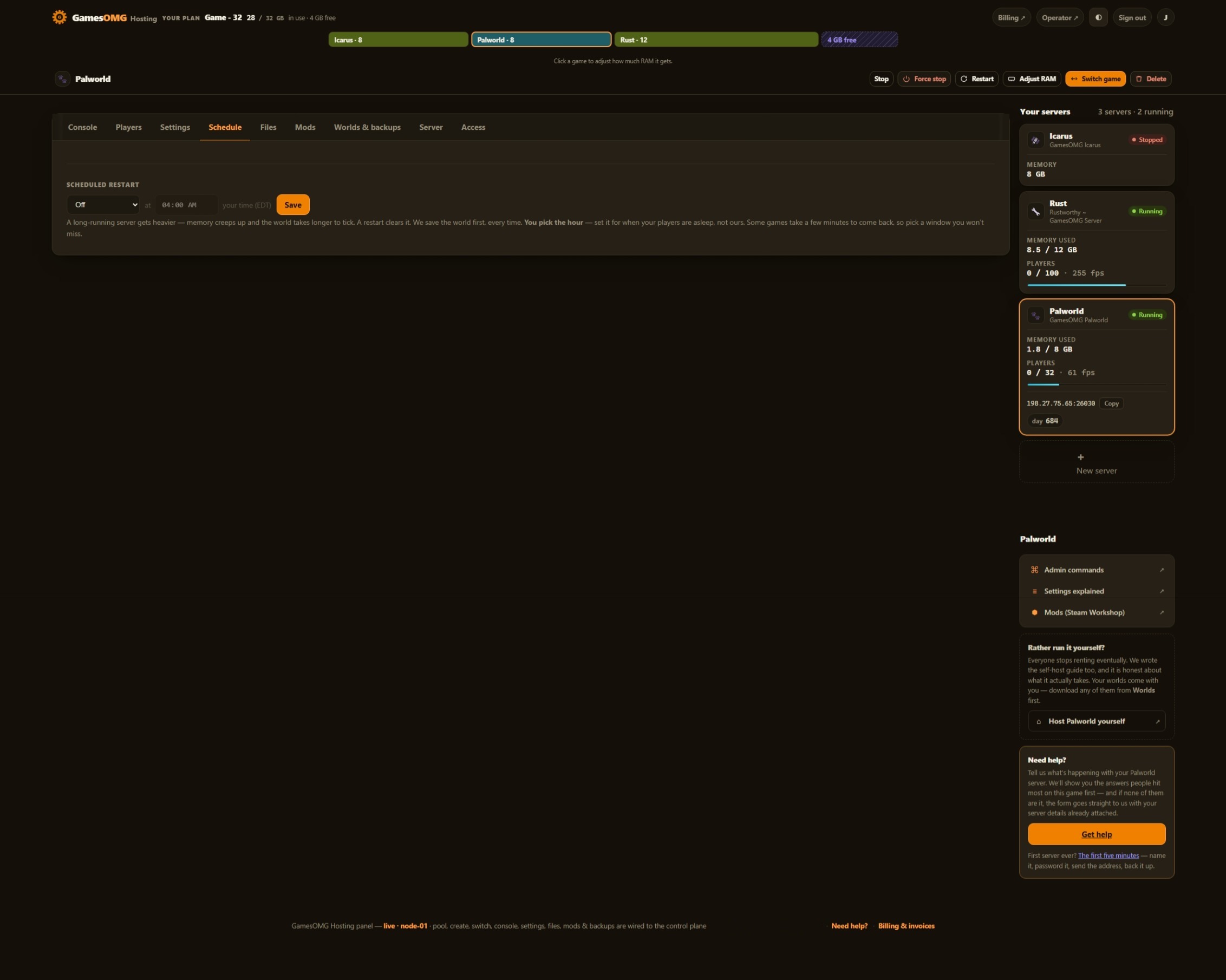
- ✓Scheduled restarts on a timer you set
- ✓Password your server and see who is on it
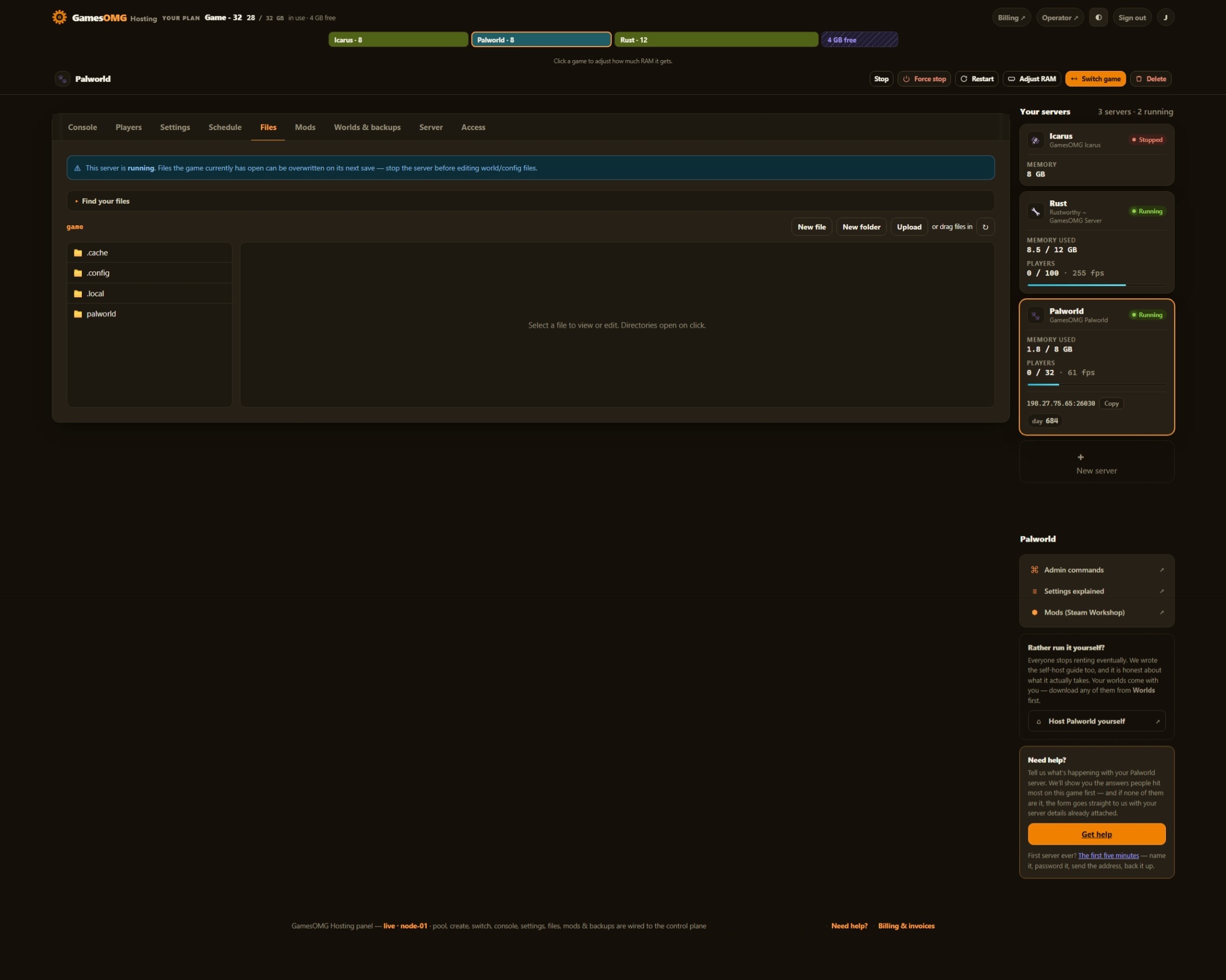
- ✓Switch this server to another game and your Sons of the Forest world is kept — no charge, no rebuild, switch back whenever
A world that actually saves
The part we found the hard way.
- ✓A hand-edited config cannot wipe your world — the safe save mode is forced on the command line, and a harness proves it every deploy
- ✓We watched a restart save. Stop writes the world and logs it before the process exits — measured, not assumed
- ✓The game’s own three rolling backups sit beside ours, on your volume
- ✓We save before every stop and before every backup
- ✓Nightly off-site backups — restore or download any of them yourself
Mods, bans and your files
They stick across restarts and updates.
- ✓RedLoader in one click, with the heavy first-boot build already done and cached in the image
- ✓Your panel names the mods the server refused — most SotF mods are client-side, so this is the difference between an answer and a ticket
- ✓Everyone joining needs the client-side mods on their own copy — we say so here rather than after you buy
- ✓File manager and config editor in the panel
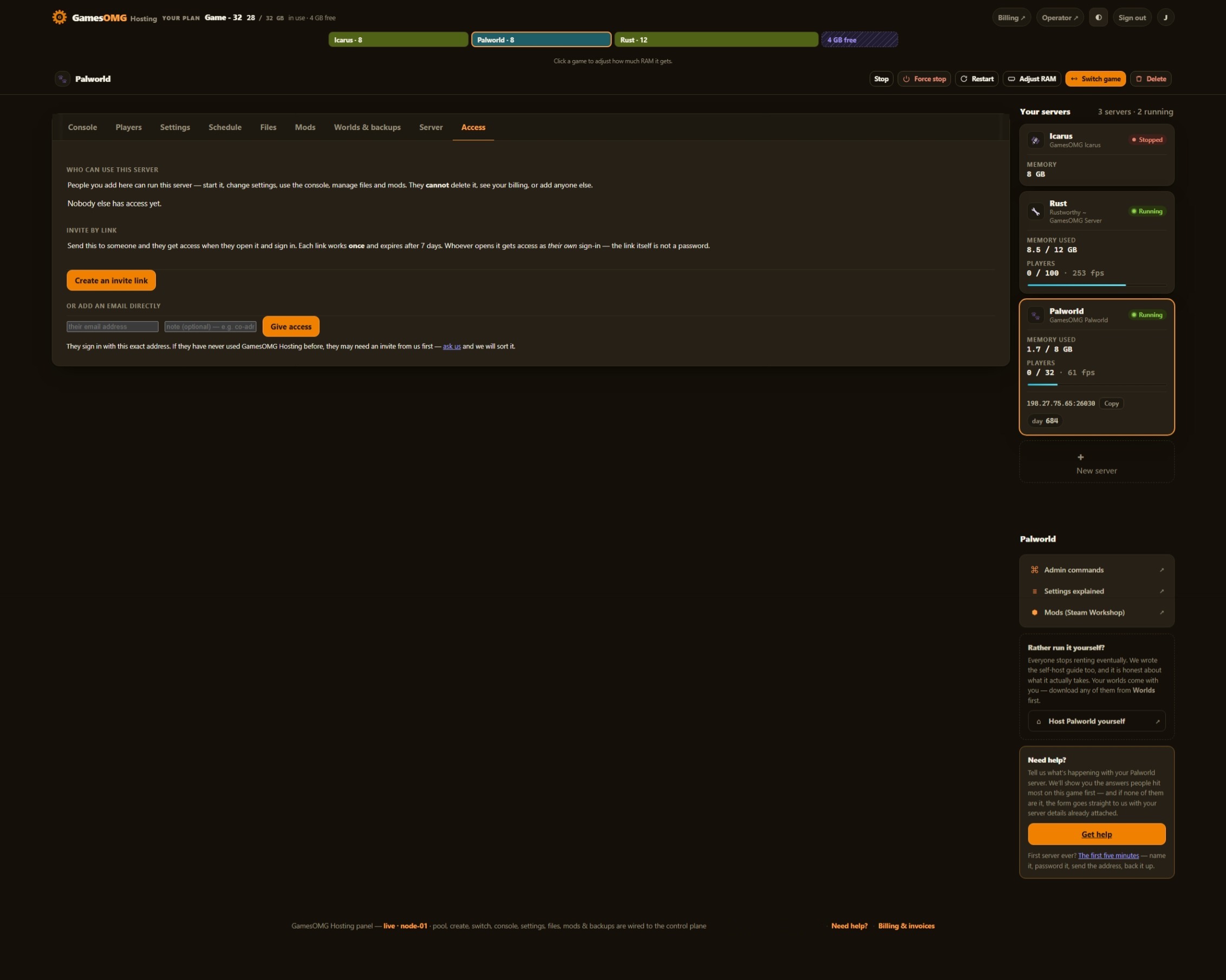
- ✓Share it with a friend — an invite link or their email, for this one server, revoked whenever you like
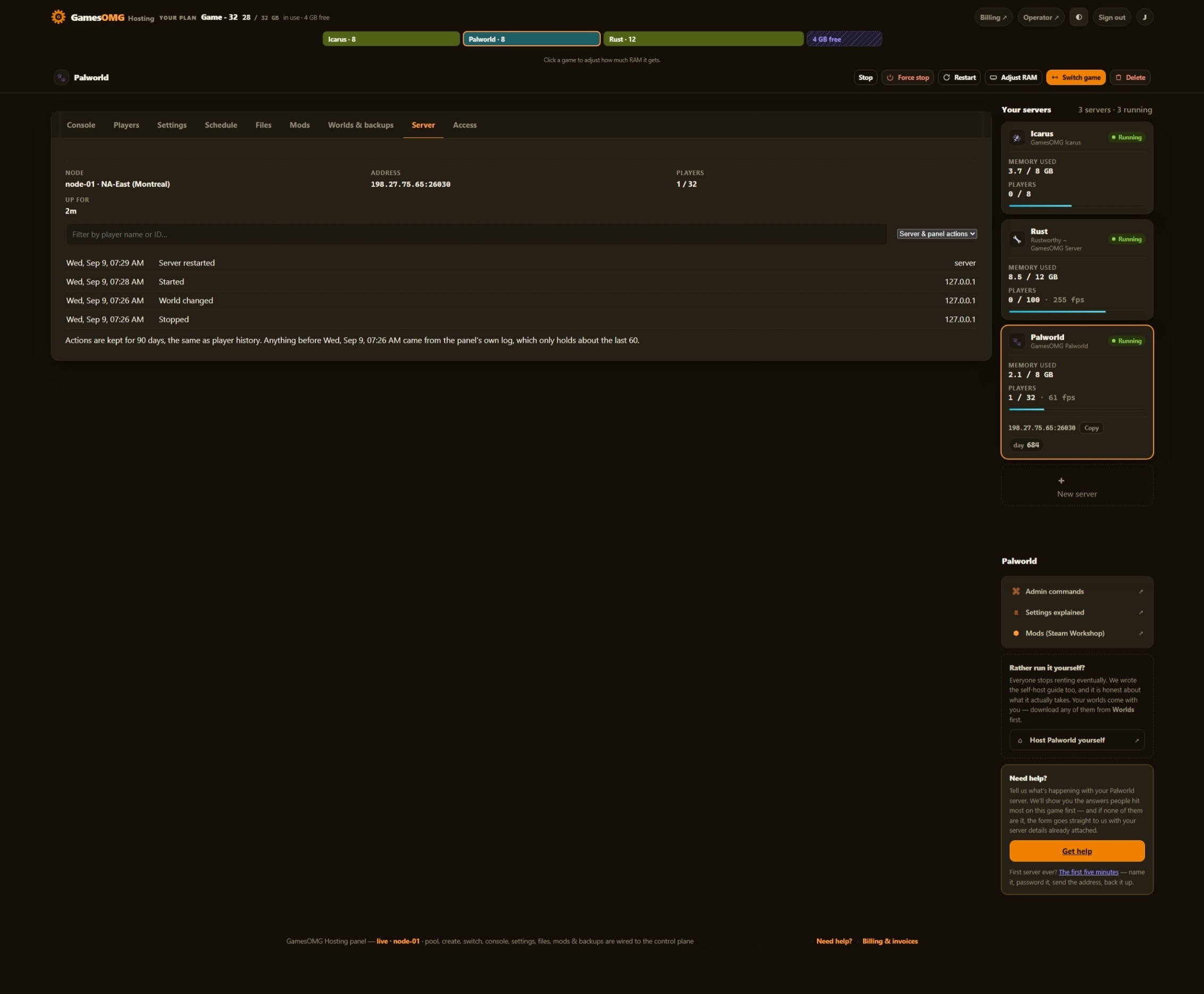
- ✓A history you keep — joins, leaves, power actions and setting changes, stored outside the container so a rebuild cannot erase it
- ✓Bring a world in, or take yours out, whenever you want
The hardware, named
You can go and look every part of this up.
- ✓AMD Ryzen 9 9950X — not “premium hardware”
- ✓NVMe SSD storage
- ✓Dedicated RAM, never oversold — the number is on your receipt
- ✓DDoS-protected network
- ✓Direct game and query ports — no proxy hops
- ✓NA East (Montreal), one location, stated plainly
The three things we found
running this game ourselves.
Each one is a measurement or a fix on our own node, and each one is a support ticket you never open.
We take it off the table.
Sons of the Forest reads a save mode from its config, and one of its values re-creates the world on every boot. Endnight document it; almost nobody hosting the game mentions it. On a plain server, one wrong line in a file you are allowed to edit removes everything you have built, and it does it silently — the server starts fine, the island is just new. We force the safe value on the command line every boot, where the file cannot override it, and write it back into the file as well. A harness hand-edits the file to the dangerous value on every deploy and proves a real server still comes up on the existing world. Your ports are pinned the same way.
We do that work at build time, once.
Installing a mod loader on this game is not like installing one on Valheim. RedLoader has to translate the whole game into something mods can attach to — a one-off job we measured at 12.6 GB and 76 seconds, and at an 8 GB cap it was simply killed. That is why other hosts tell you to buy more RAM before your first mod. We do it when we build the image, 140 MB cached and shipped, and we prove the cached copy is the real one by hashing it against what a live server generates. The result: a cold modded boot at 8 GB peaked at 7.85 GB and finished clean — and we still sell 10, because 96% of a box is not a floor.
The server tells you, so we do not have to keep a list.
Most Sons of the Forest mods run on the player’s PC, not on the server. That is the ecosystem, not our setup, and it is why a mod you upload can do nothing at all while everything looks fine. RedLoader refuses client mods on a dedicated server on purpose — the alternative is patching camera and HUD code into a machine that has neither and finding out later. The trap is that a listing’s own "Mod Side" badge disagrees with the mods’ own manifests in both directions, so going by the catalogue gets you a server that loaded nothing. So your panel reads the loader’s log and names every mod your server refused, by name, on your server. That is per-server truth with nothing for us to keep up to date — and it is the one thing that turns "I uploaded it and nothing happened" into an answer.
How much RAM does a Sons of the Forest server need?
A fresh Normal world with nobody on holds 6.5 GB on our own node, and one player for half an hour moved it to 6.61 GB — the world is the cost here, not the player count, which is why the 8-player cap never enters the sizing. What sets the floor is the mod loader: 7.08 GB with RedLoader and all 16 server-capable mods running, and a cold modded boot peaking near 7.9 GB. On an 8 GB box that is 96%, close enough that a busy moment becomes a stall — we have withdrawn a rung for exactly that before. So the plan starts at 10 GB at $27.50, where the modded peak sits at 69% with no memory pressure at all. Go to 12 if you would rather never think about it, or 16 to run a second game beside this one — the plan is a pool, so you can move the RAM later without losing a world.
And if you would rather not choose: your RAM is a pool. Size up once and run Sons of the Forest and something else side by side on the same plan, with no second bill.
Straight answers, no pitch
How much does a Sons of the Forest server cost?
From $27.50/mo for 10 GB of guaranteed dedicated RAM, $32 for 12 GB, $41 for 16 GB or $59 for 24 GB. No setup fee and no slot pricing — which matters here, because Sons of the Forest caps a server at 8 players itself. A host billing you per slot is billing you for a limit the developer already set.
How much RAM does a Sons of the Forest server need?
We measured our own, off the kernel rather than a padded dashboard figure. A fresh Normal world with nobody connected holds 6.5 GB, and one player for half an hour moved it to 6.61 GB — this game spends its memory on the world, not on people. So the floor is not set by players at all. What sets it is the mod loader: with RedLoader and all 16 server-capable mods loaded, 7.08 GB, and a cold modded boot peaks near 7.9 GB while it builds its interop cache. That is 96% of an 8 GB box, which is not a floor, it is a coin toss — so we sell 10 GB, where the same boot sits at 69% with zero memory-pressure events. BisectHosting arrives at the same 10 GB from the other direction.
My character keeps resetting when I rejoin. Is the server broken?
No — and this one catches almost everybody, so it is worth knowing before you buy. Sons of the Forest only saves a player once that player has somewhere to sleep. Build a tent, sleep in it, and from then on your character, your inventory and your progress survive a rejoin and a full server restart. Until you have built one there is nothing for the game to write, so you get the intro again and an empty pack, and it looks exactly like a broken server. That is the game’s own design, not your host — we tested it on our own server to be sure. The world itself saves regardless: everything you built, looted and cut down is written on every autosave and every clean shutdown, whether anyone has a tent or not.
Can I change the server settings?
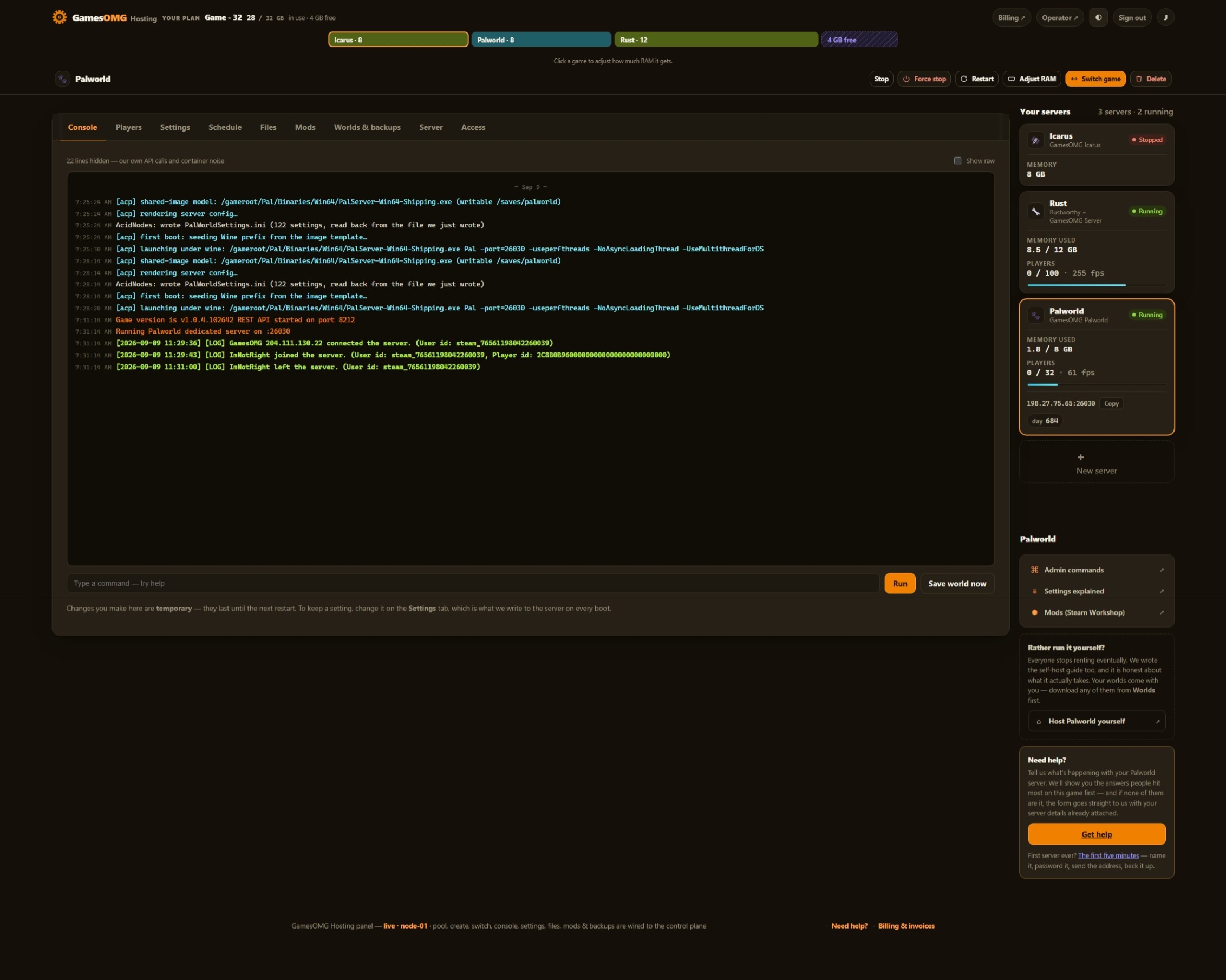
Yes — all 35 of them, each a labeled field with the game’s own default beside it, checked against the list the server itself prints on every boot. Difficulty and the whole Custom block, structure damage, tree regrowth, enemy spawns, the save interval, the join password, your server name. Nothing to find and no launch flag to type — and the file is still there if you would rather edit it. And they live on your volume, so a restart, a resize or a game switch cannot reset them.
Can I run mods on a Sons of the Forest server?
Yes — RedLoader installs in one click, and this is the part other hosts get wrong, so read it before you pay. Most Sons of the Forest mods run on the player’s PC, not on the server. Of the 167 mods published on sotf-mods.com we read every manifest: 16 declare that they run on a dedicated server. The rest are client mods, and RedLoader deliberately refuses them rather than loading camera and HUD code into a server that has neither. So: upload a server-side mod through the file manager and it runs; hand your friends the page link for anything client-side and everyone installs it on their own copy. And your panel names every mod the server refused, by name, off the loader’s own log — because an upload that silently does nothing is the normal case on this game, and "nothing happened" with no explanation is how you end up opening a ticket.
Why does my first modded start take longer than a normal one?
On most hosts it takes several minutes and can run the box out of memory; on ours it does not happen at all. RedLoader has to translate the game’s code into something mods can attach to, which is a heavy one-off job — we measured it at 12.6 GB and about 76 seconds on a stock setup, which is exactly why other hosts tell you to buy 10 GB before you install a single mod. We do that job when we build the server image instead, the same way we pre-build the Windows compatibility layer, so the work is already done and cached before your server exists. Your first modded boot is a normal boot. It also means your server never has to reach the internet to fetch it, which is the other way that step fails.
Will I see who is on my server?
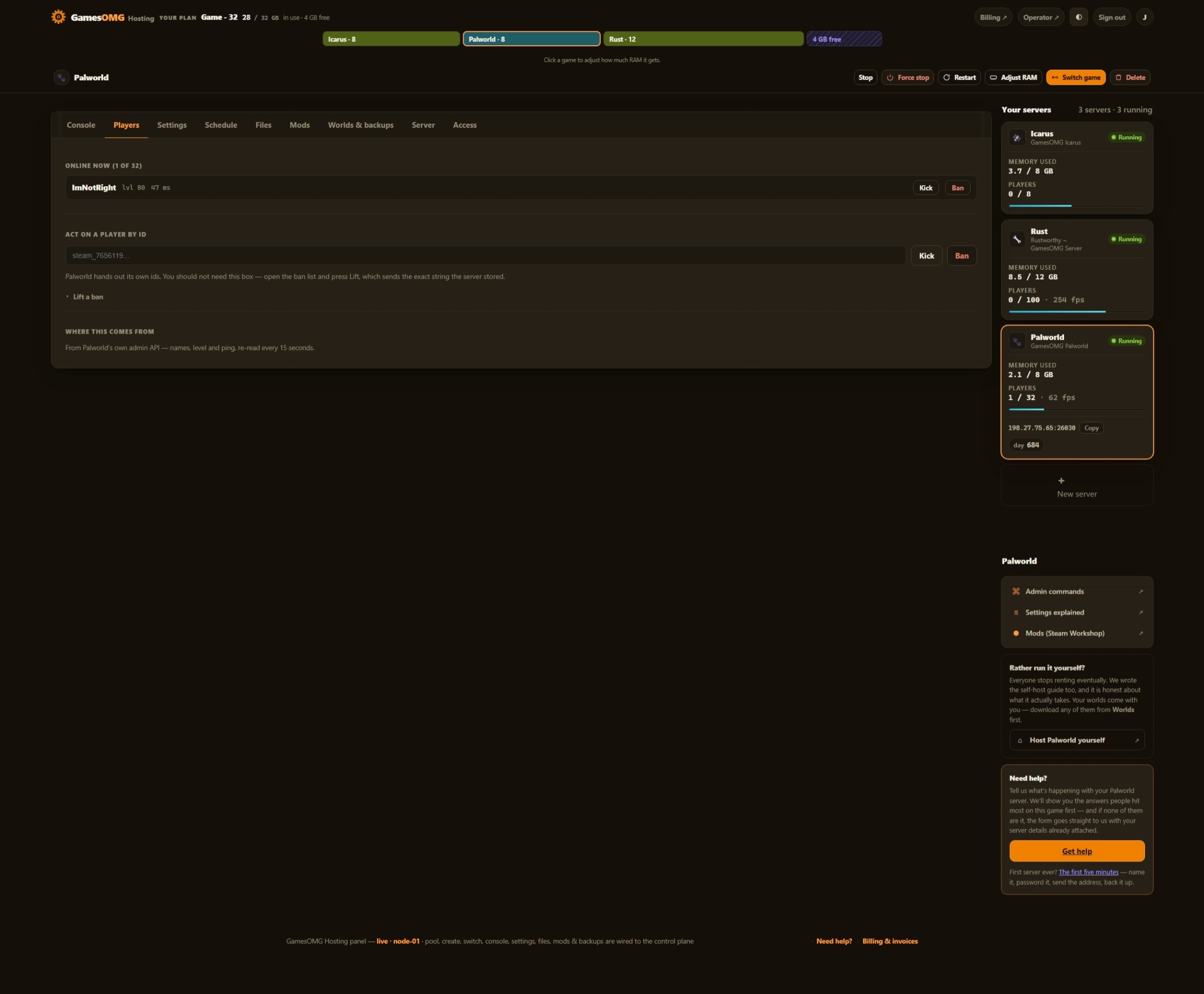
Yes — names, not just a number. Sons of the Forest prints the player’s Steam name and Steam ID on one line when they join and again when they leave, so the panel shows you who is on and keeps a join-and-leave history you can scroll back through. It is kept outside the container, so a restart or a rebuild cannot erase it.
How do I make myself or a friend an admin?
Add the Steam ID to the Owners list in your panel and restart. Owners get the in-game admin panel under Esc → Players — kick, ban, and the rest of the host controls — which is where Sons of the Forest puts them. We tested this end to end on our own server rather than reading it off a wiki: the owners file is read when the server starts, so the restart is the part people miss.
Does the panel have a console I can type commands into?
You get the live console to read, but not to type into, and the honest reason is the game: Sons of the Forest has no RCON and no remote admin channel at all. Its host controls live in-game behind the Owners list above. We would rather tell you that than put a text box on screen that quietly does nothing. What you do get: the live log, power controls, every setting as a field, the file manager, backups, the player list and the history. ⭐ One thing we did fix — this game writes roughly 3,500 lines of engine noise per boot, which buries anything you actually want to read. We filter it down to the hundred or so lines that mean something, so your console reads like a log instead of a wall.
Can I pick the difficulty, or start a new world later?
Yes to both, with one thing worth knowing first: difficulty and the whole Custom block are stamped into a world when it is created and ignored afterwards. That is the game’s design, not a panel limitation — set them how you want them before you start, because changing them later will not move an existing world. Two settings are the exception and apply on every load: tree regrowth and structure damage. Want a different difficulty? Start a new world in a new slot — your old one stays exactly where it is, not overwritten.
Can a bad setting wipe my world?
Not here, and we built it that way on purpose. Sons of the Forest has a setting whose New value silently re-creates the world on every single restart — Endnight document it themselves, and on a plain server a stray edit to that one line quietly deletes everything you have built, one restart at a time. On our servers the platform forces the safe value on the command line every boot, where a file edit cannot reach it, and writes it back into the file too. The same applies to your ports. We test this the way it deserves: a harness hand-edits the file to the dangerous value and proves the server still comes up on your existing world.
Do you back up my world?
Yes — nightly, automatically, off-site on a separate network, plus your own named copies we never overwrite and one kept from before every game update. Restore or download any of them yourself from the panel, no ticket. And we save before we stop: we watched a panel restart write the save and confirm it in the log before the process exited, so a restart is not a gamble. The game keeps its own three rolling backups per world beside your save as well, so there is a belt and braces here.
Can I move an existing Sons of the Forest world here?
Yes — upload your save through the panel file manager and it loads on the next start. It works the other way too: your world is yours to download whenever you like, including on your way out.
Can I switch my server to another game later?
Yes, and your Sons of the Forest world stays put. Switching moves your plan’s RAM to a different game; switch back and the world is waiting. No second bill, no reinstall and no extra charge — the plan is a pool of RAM, not a slot in a box.
Where are the servers?
NA East (Montreal) — AMD Ryzen 9 9950X, NVMe storage, DDoS-protected network, direct game and query ports with no proxy hops.