Project Zomboid hosting where both config files are panel fields.
Project Zomboid keeps its settings in two places — servertest.ini for the server and servertest_SandboxVars.lua for the world — and most hosts hand you a text editor and wish you luck. Here 393 of them are labeled fields with the game’s own defaults and plain-English explanations, on a Ryzen 9 9950X, from $11/mo for 4 GB of guaranteed dedicated RAM. We hold 19 back and say which ones and why in the FAQ below, because a host that tells you “all of them” has usually not counted. We measured an empty world at 1.30 GB before pricing it, and we start the game in a way that actually lets it save when you stop it.
- ✓Backed up nightly, off-site — restore or download them yourself.
- ✓Every file is yours — file manager and config editor in the browser.
- ✓Share the server, not your account — and take the keys back anytime.
- ✓Switch games later, keep the world — your RAM is a pool.
Automatic server install.
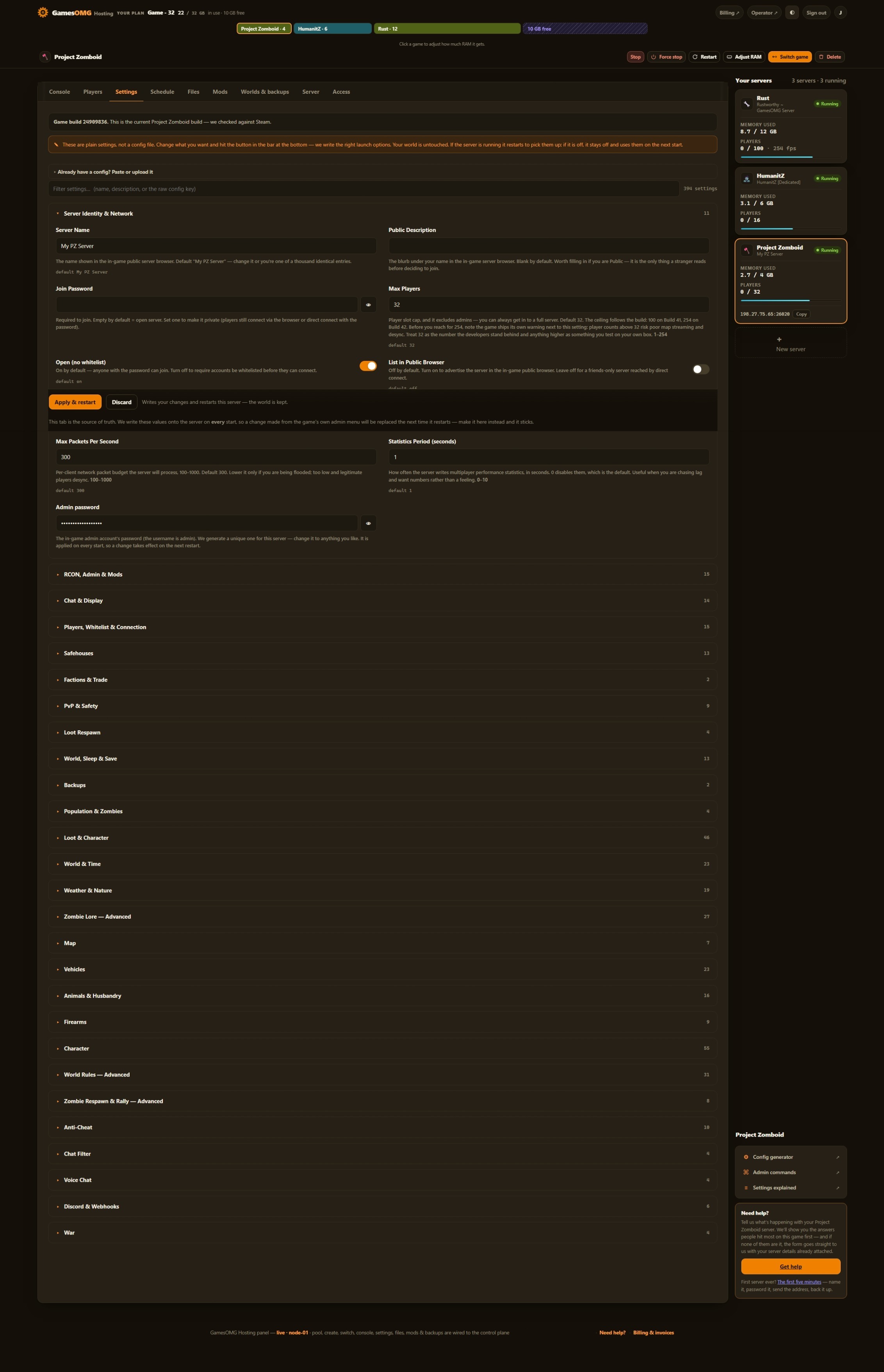
394 settings as labeled fields, each with the game’s own default beside it
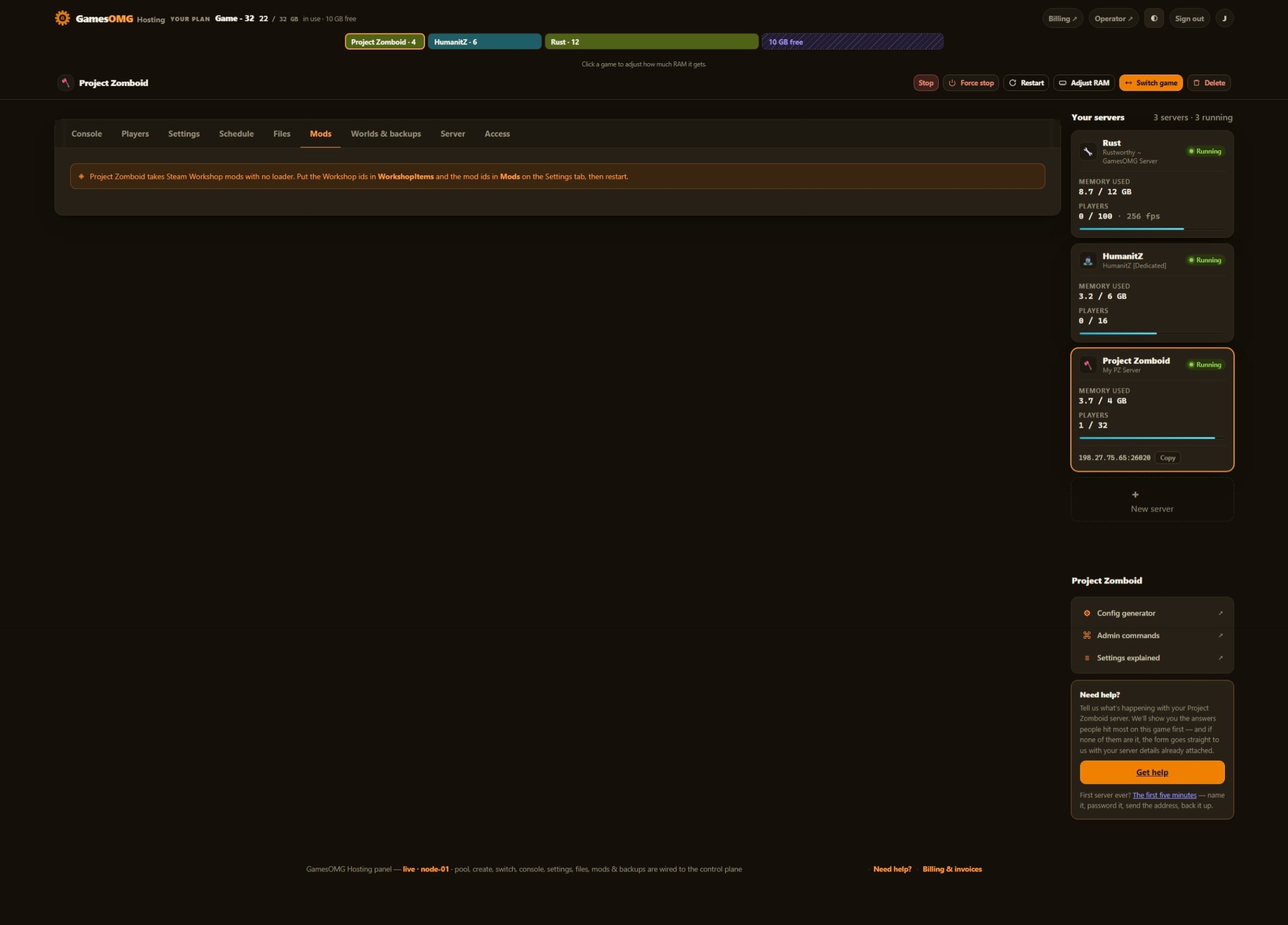
Workshop IDs are a labeled panel field — no loader needed
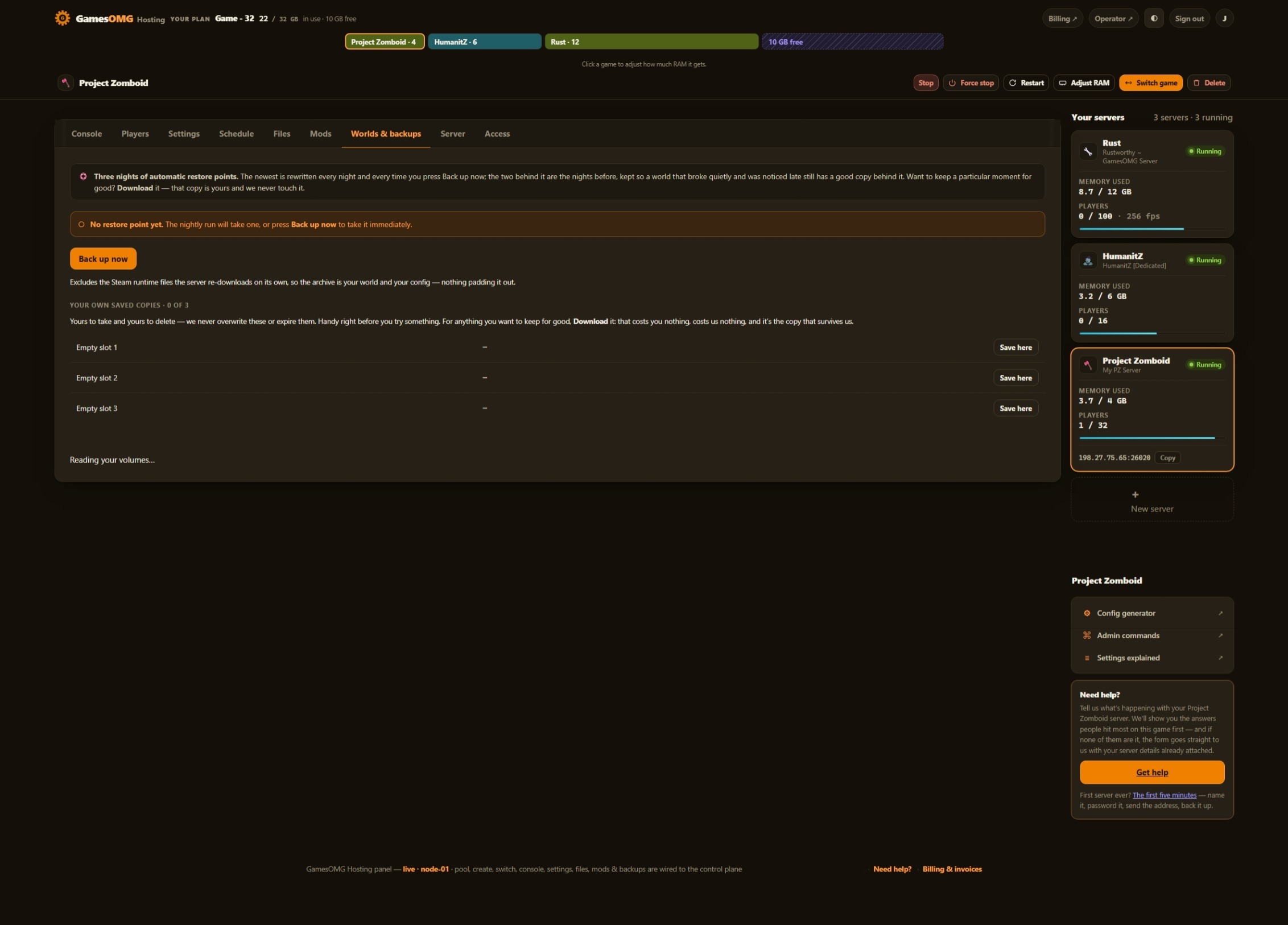
Nightly off-site backups, full file access, and your world downloadable any time
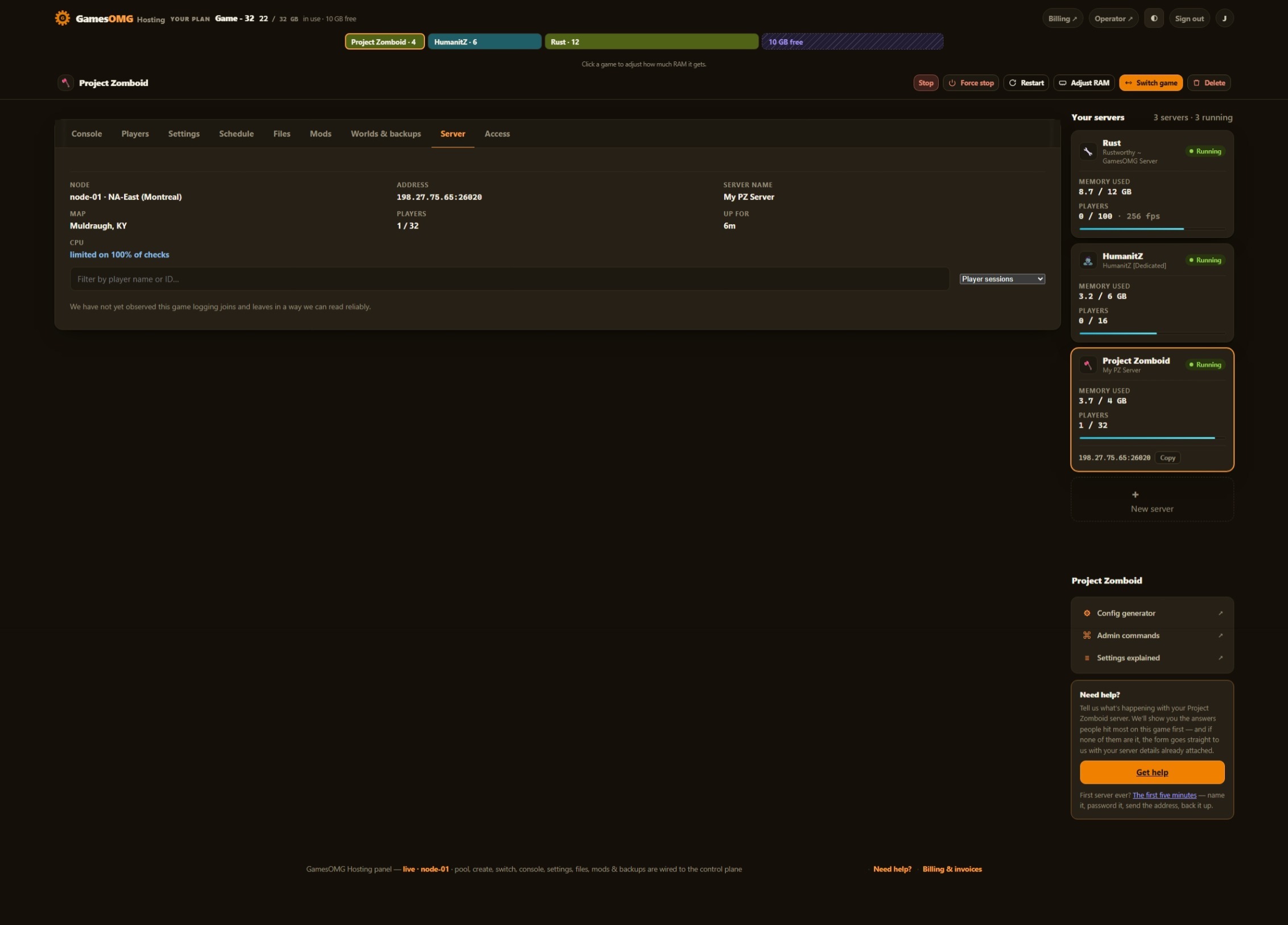
You set the player limit — Project Zomboid ships at 32, and we never sell slots
Small groups and fresh worlds — the smallest box we would run this on
monthly · no contracts · 72-hour money-back · nightly off-site backups · cancel from the panel
What comes with a Project Zomboid server
All of it on every plan. The rungs differ by memory, not by what you are allowed to do.
Run it from the browser
No SSH, no ticket, no waiting on us.
- ✓Start, stop and restart whenever you like
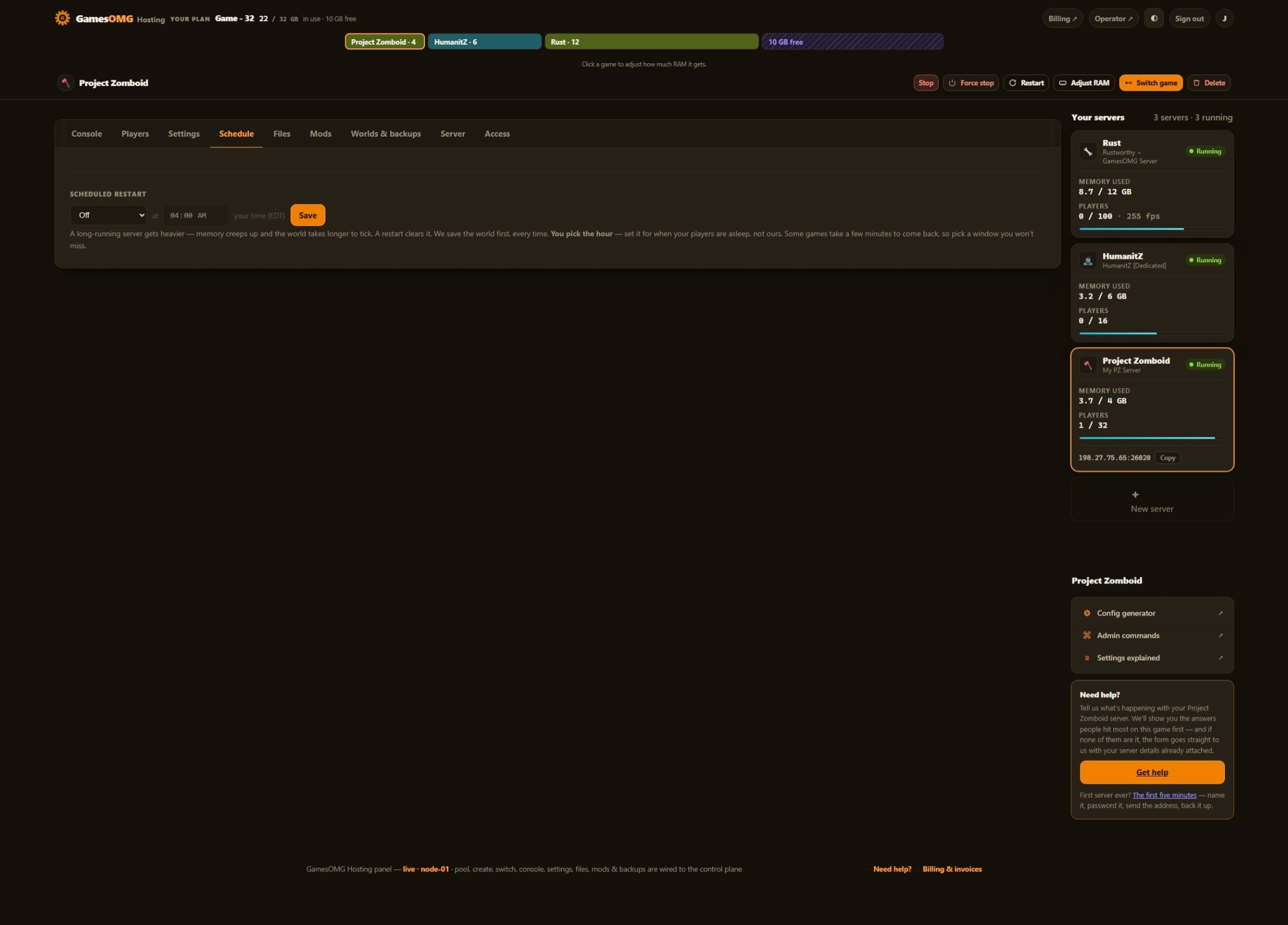
- ✓Scheduled restarts on a timer you set
- ✓Password your server and see who is on it
- ✓Switch this server to another game and your Project Zomboid world is kept — no charge, no rebuild, switch back whenever
A world that actually saves
The part we found the hard way.
- ✓Stop saves the world — the game writes its save on our stop signal and logs it before it exits; measured, not assumed
- ✓Nightly off-site backups — restore or download any of them yourself
Mods, bans and your files
They stick across restarts and updates.
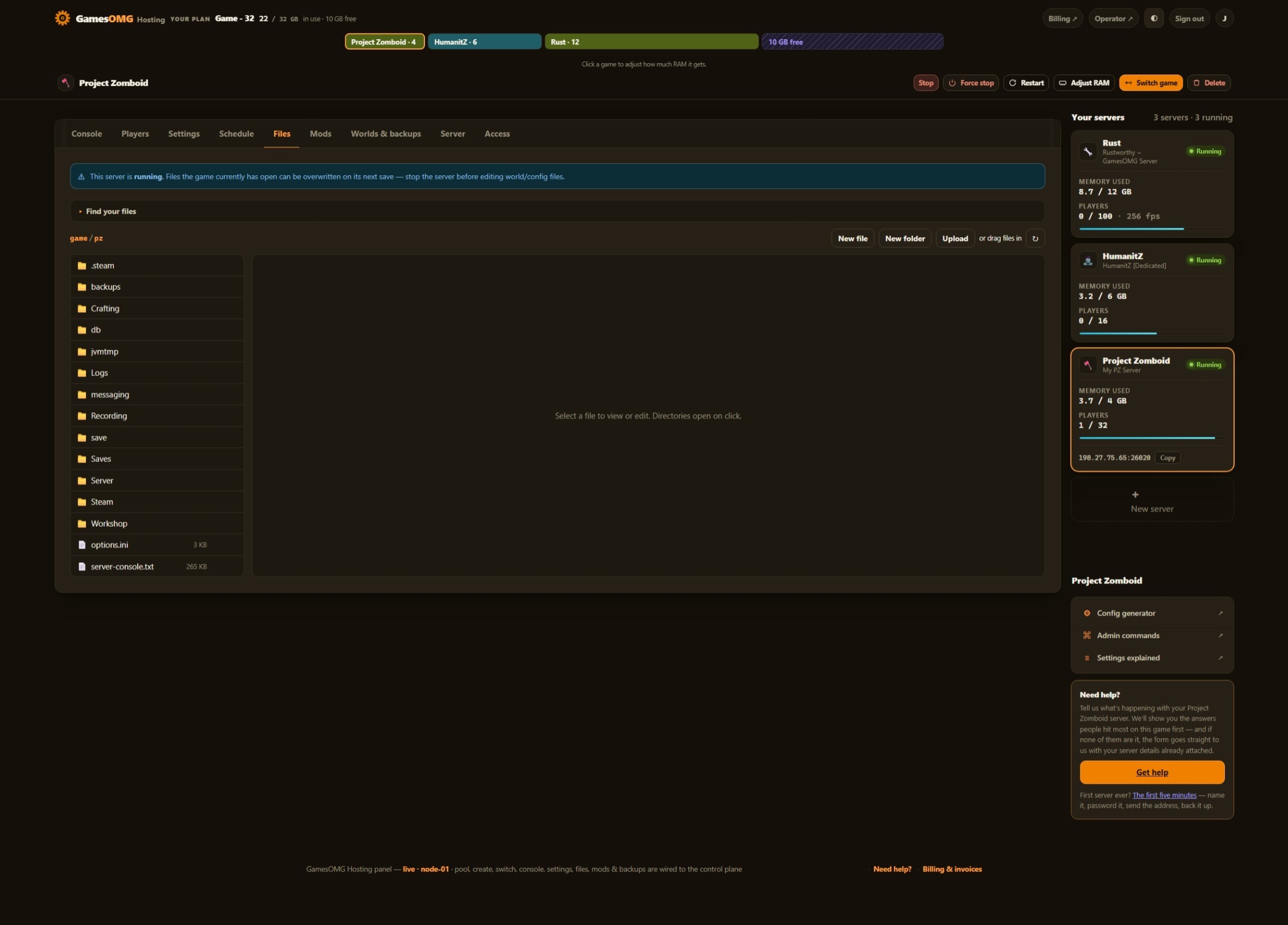
- ✓File manager and config editor in the panel
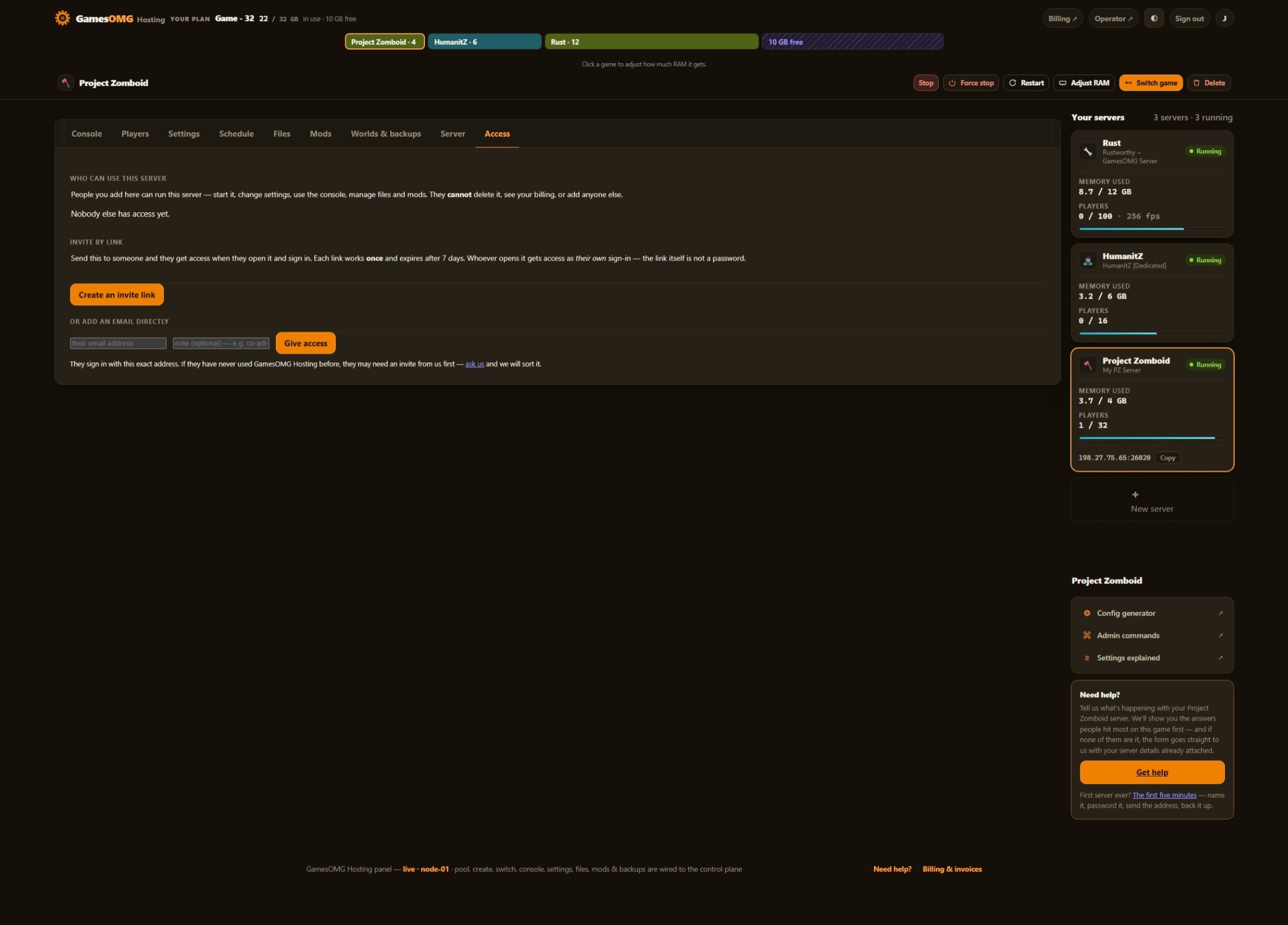
- ✓Share it with a friend — an invite link or their email, for this one server, revoked whenever you like
- ✓A history you keep — joins, leaves, power actions and setting changes, stored outside the container so a rebuild cannot erase it
- ✓Discord notifications — crashes, restarts, updates and who changed what, sent to your own channels, each one getting only what you switch on
- ✓Bring a world in, or take yours out, whenever you want
The hardware, named
You can go and look every part of this up.
- ✓AMD Ryzen 9 9950X — not “premium hardware”
- ✓NVMe SSD storage
- ✓Dedicated RAM, never oversold — the number is on your receipt
- ✓DDoS-protected network
- ✓Direct game and query ports — no proxy hops
- ✓NA East (Montreal), one location, stated plainly
Two files, one panel,
and a stop that saves.
The settings surface, the memory floor and the shutdown behaviour were all measured on our own node.
The sandbox file is where the game actually lives.
Everyone shows you servertest.ini — the name, the password, the player cap. The part that decides what your game FEELS like is the other file: zombie speed and population, loot rarity per category, XP rates, day length, how fast the power and water shut off. 393 fields across both files are here — every one of the 268 sandbox settings, and every server setting that is yours to set — each with the value the game itself ships and a sentence saying what it does. You never have to know which file a setting lives in, because we do.
1.30 GB idle — so we sell 4.
We read the memory off our own booted server the way you are supposed to: the unreclaimable working set from the kernel, not a dashboard figure inflated with page cache. An empty Muldraugh world with nobody on: 1.30 GB. We could advertise a 2 GB plan off that number and it would boot. But the game grows as the map streams in around your players, and we have not measured it with anyone on yet, so the floor is 4 GB — and that idle figure is published here rather than buried, so you can judge it yourself.
We do not use the game’s own launcher, on purpose.
Project Zomboid ships a start script that does not forward the shutdown signal to the game. Run a server that way and every stop kills it mid-save — and the script exits successfully, so the host never notices. We start the game directly instead, which means a stop actually reaches it: measured on a fresh world, it writes out and the process exits cleanly in about eight seconds, and a built-up world takes longer. Backups force a save first, so your restore point is a flushed world, not whatever the last autosave caught.
How much RAM does a Project Zomboid server need?
An empty Muldraugh world with nobody on holds a 1.30 GB unreclaimable working set on our own node. That is the floor with nothing happening — Project Zomboid grows as the map streams in around your players, which is why the plan starts at 4 GB at $11 rather than the 2 GB the idle number would technically allow. We have not measured it with players on yet, so we do not put a player count on 4 GB. Running Project Zomboid beside a second game needs room for both — and because the plan is a pool, you can move that RAM between your servers whenever you like without losing a world.
And if you would rather not choose: your RAM is a pool. Size up once and run Project Zomboid and something else side by side on the same plan, with no second bill.
Straight answers, no pitch
How much does Project Zomboid server hosting cost?
From $11/mo for 4 GB of guaranteed dedicated RAM, $16.50 for 6 GB, $22 for 8 GB and up the ladder from there. No slot pricing, no setup fee — you set the player cap yourself and the price does not move.
How much RAM does a Project Zomboid server need?
We measured our own: an empty Muldraugh world with nobody on holds a 1.30 GB unreclaimable working set — read from the kernel, not from a dashboard number padded with cache. That is a floor with nothing happening, and Project Zomboid grows as the map streams in around your players, so we sell 4 GB rather than the 2 GB the idle number would let us advertise. We have not measured it with players on yet, so we do not put a player count on 4 GB — when we have that number it goes here. Running Project Zomboid beside a second game needs room for both.
Can I edit the sandbox settings — zombie speed, loot, XP?
Yes — every one of them. Project Zomboid splits its configuration across two files, servertest.ini for the server box and servertest_SandboxVars.lua for the world, and the sandbox file is the one that decides how your game feels. Every setting in it is a labeled panel field — 268 of them, with the game’s own default and a plain-English explanation beside each: zombie speed, population, loot rarity per category, XP rates, day length, the lot. Across both files that is 393 fields. No file editing, and no hunting for which of the two files a setting lives in.
Which settings are NOT in the panel?
A fair question, and one worth asking your current host. 19 of them, in three groups, and none of them are settings you would want us to hand you. 5 belong to the host — the port numbers and the announced IP are ours to allocate — that is what stops your server colliding with someone else’s, and a box you could type into would only let you break your own connection. (UPnP is in the same group: there is no home router in front of your server to configure.) 3 are world identity values — the worldgen seed and the two IDs that tell a returning player their character is still valid. Project Zomboid generates those per world, and a panel field that overwrote them would force everyone on your server to roll a new character. The other 11, Project Zomboid ships with no description at all — no comment in its own config file, no tooltip in its own settings screen. We could put a switch on the page and invent a confident sentence about what it does. We would rather leave it out and tell you it exists.
Can I run Workshop mods?
The two fields Project Zomboid uses are panel fields: WorkshopItems takes the Workshop IDs your server subscribes to, and Mods takes the mod IDs it loads. Set them, restart, and the game pulls them on boot. The Workshop field takes up to 8,192 characters — room for about 744 Workshop IDs. Being straight with you: we have not run a Workshop mod on a Project Zomboid server here ourselves yet, so we are telling you the fields are wired rather than claiming a one-click experience we have not tested.
Do I get admin commands?
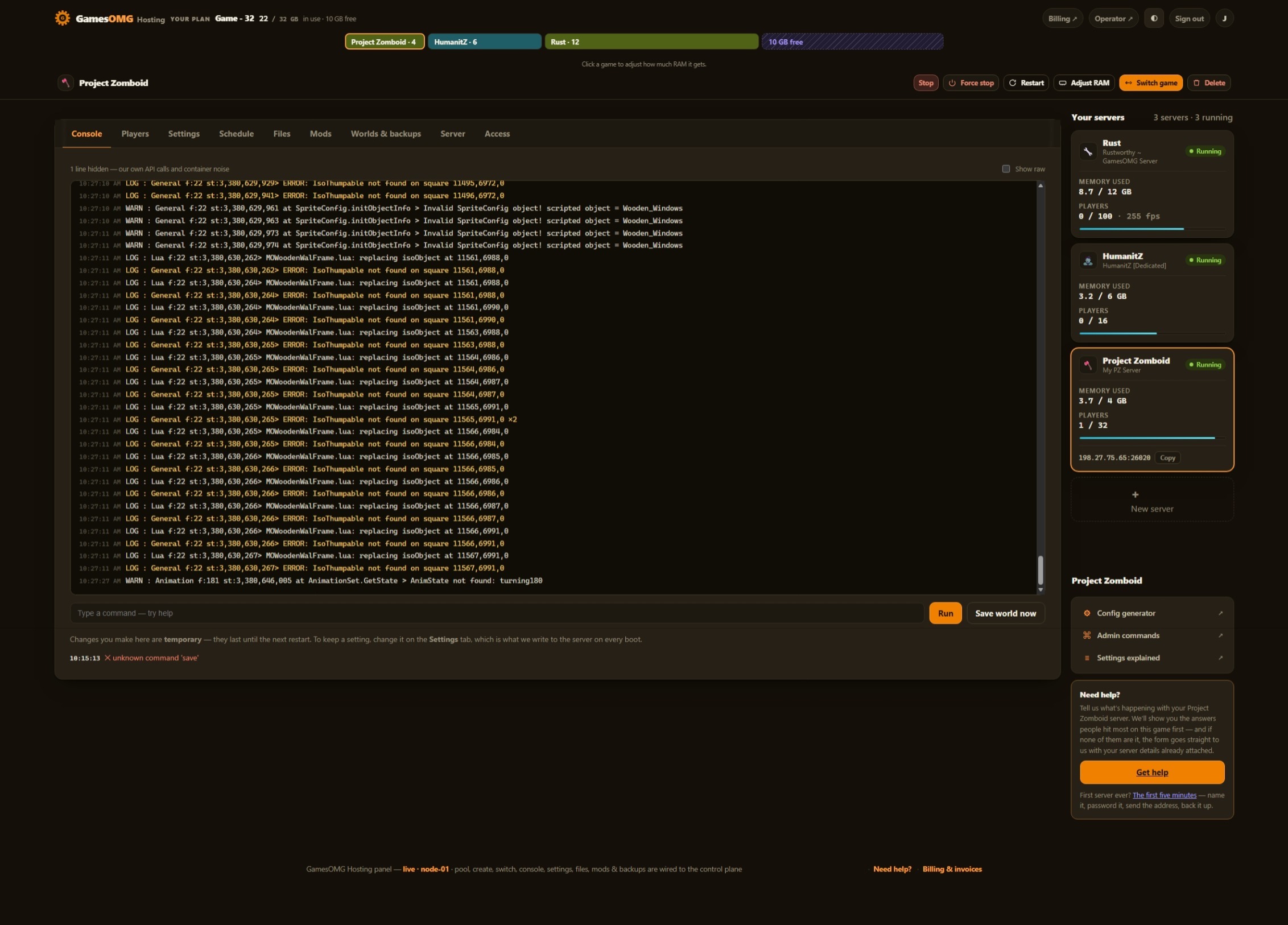
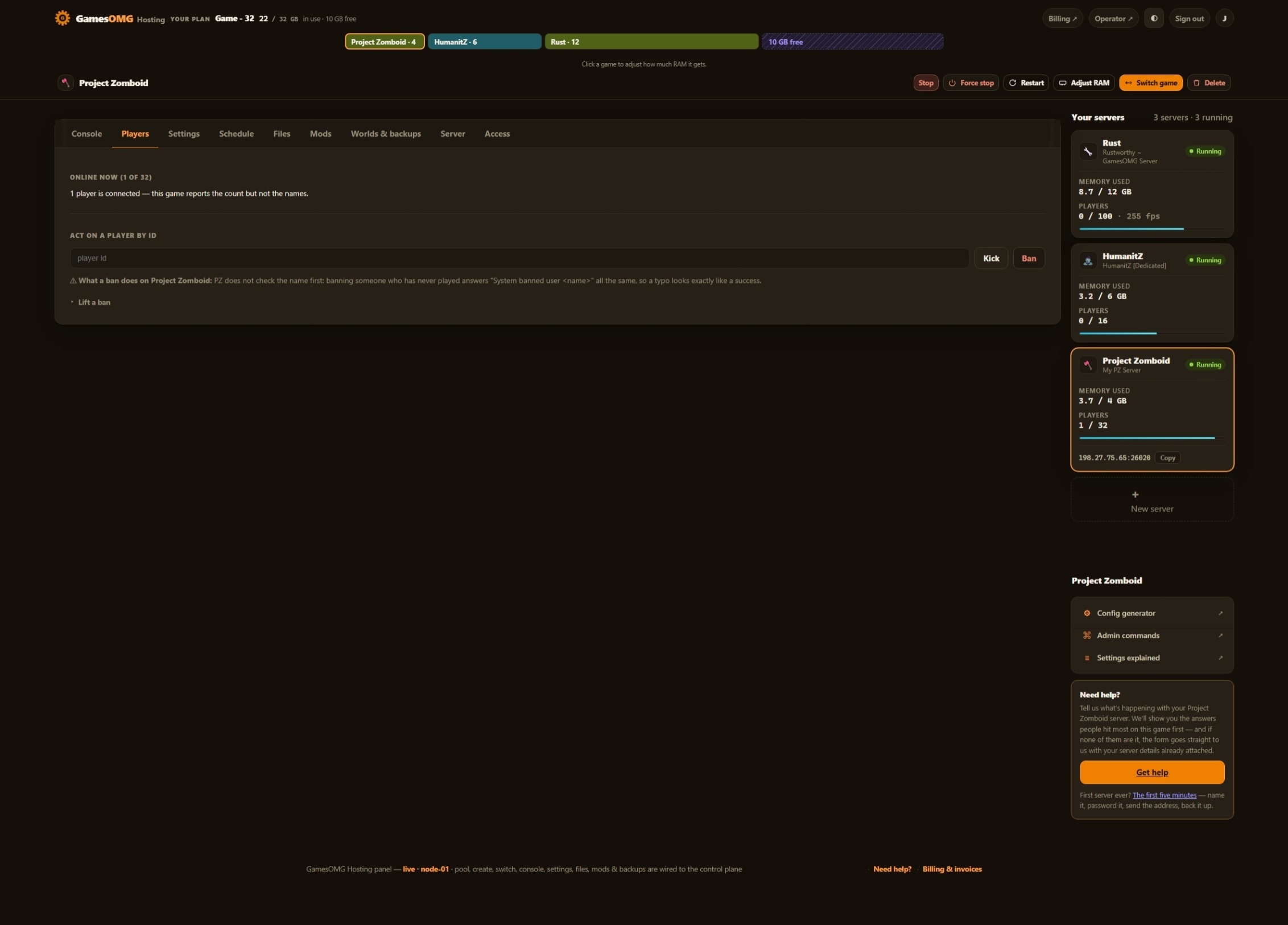
Yes. Project Zomboid speaks RCON, and the panel gives you a console on it — save the world now, broadcast a message, kick, ban, unban, read the live server options, check whether a Workshop mod needs updating, and start or stop the weather. Every one of those was run against a real server before it appeared as a button.
What happens to my world when the server stops?
It gets saved. We do not run Project Zomboid through its own start-server.sh, because that script does not pass the shutdown signal to the game — the server gets killed mid-save and the container still reports success. We start the game directly instead, so a stop reaches it: measured on a fresh world, it writes out and the server exits cleanly in about eight seconds. A world people have built takes longer, and we have not timed one yet, so let it finish rather than pulling the power. Backups force a save first, so a restore point is a flushed world rather than whatever the last autosave happened to catch.
Can I switch my server to another game later?
Yes, and your Project Zomboid world stays where it is. Switching hands the RAM in your plan to a different game; switch back and the world is waiting. No second bill, no reinstall, no ticket.
Something off on your Project Zomboid server? Project Zomboid troubleshooting — the problems people hit, each fixed in the panel.