PixARK server hosting
where a restart keeps your digging.
PixARK keeps your digging and building apart from the rest of the world, and a server stopped with Ctrl-C or a kill throws away up to five minutes of it. A stop or restart from our panel ends through the game’s own exit command, which saves every chunk first — we proved it with a player on the server. 84 server settings are labeled fields, the main world, Terracrypt and Skyward are one setting apart, and the plan starts at 6 GB from $16.50/mo on a Ryzen 9 9950X, with guaranteed dedicated RAM.
- ✓Backed up nightly, off-site — restore or download them yourself.
- ✓Every file is yours — file manager and config editor in the browser.
- ✓Share the server, not your account — and take the keys back anytime.
- ✓Switch games later, keep the world — your RAM is a pool.
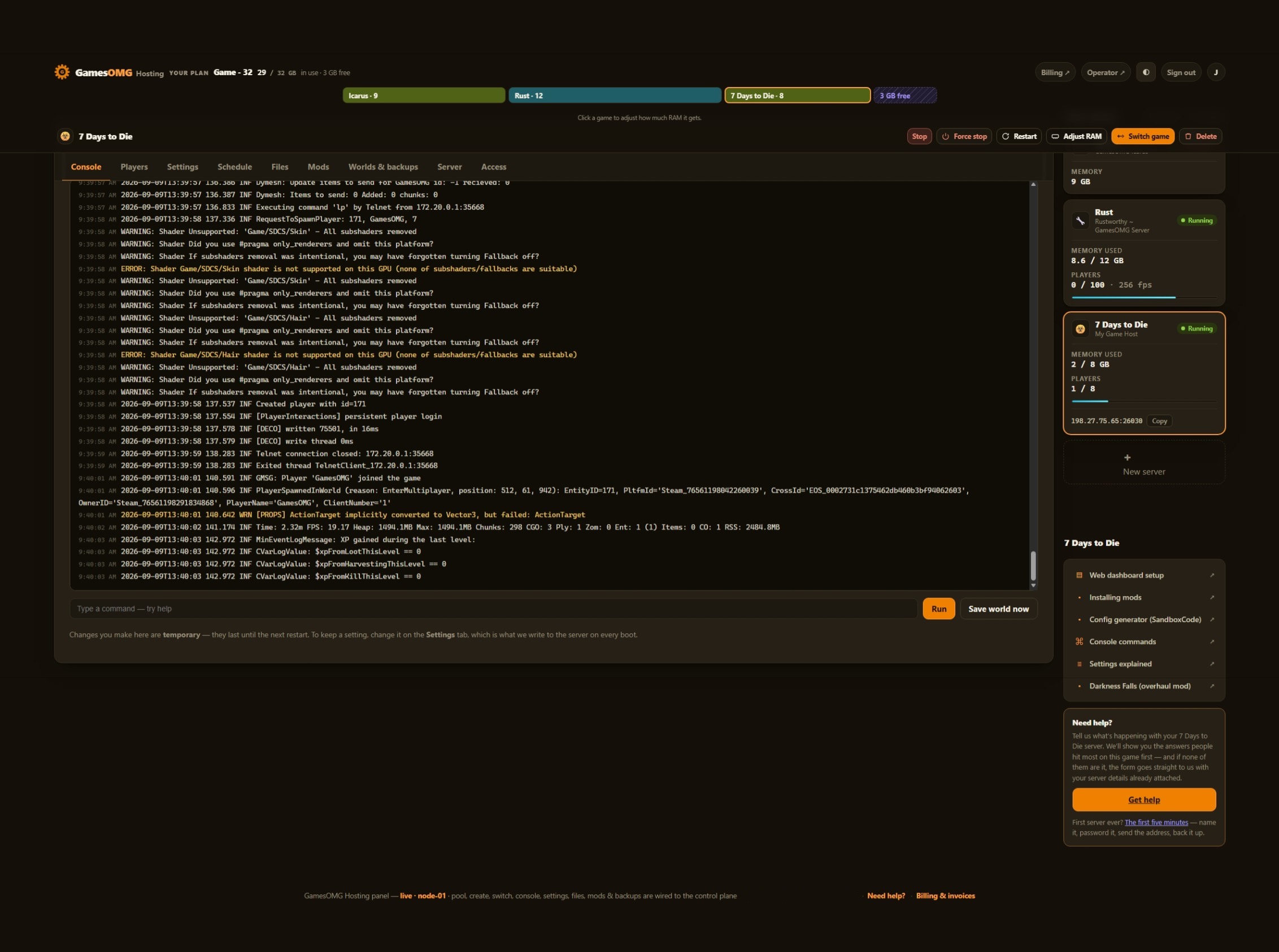 Shown on 7 Days to Die — panel may differ slightly by game
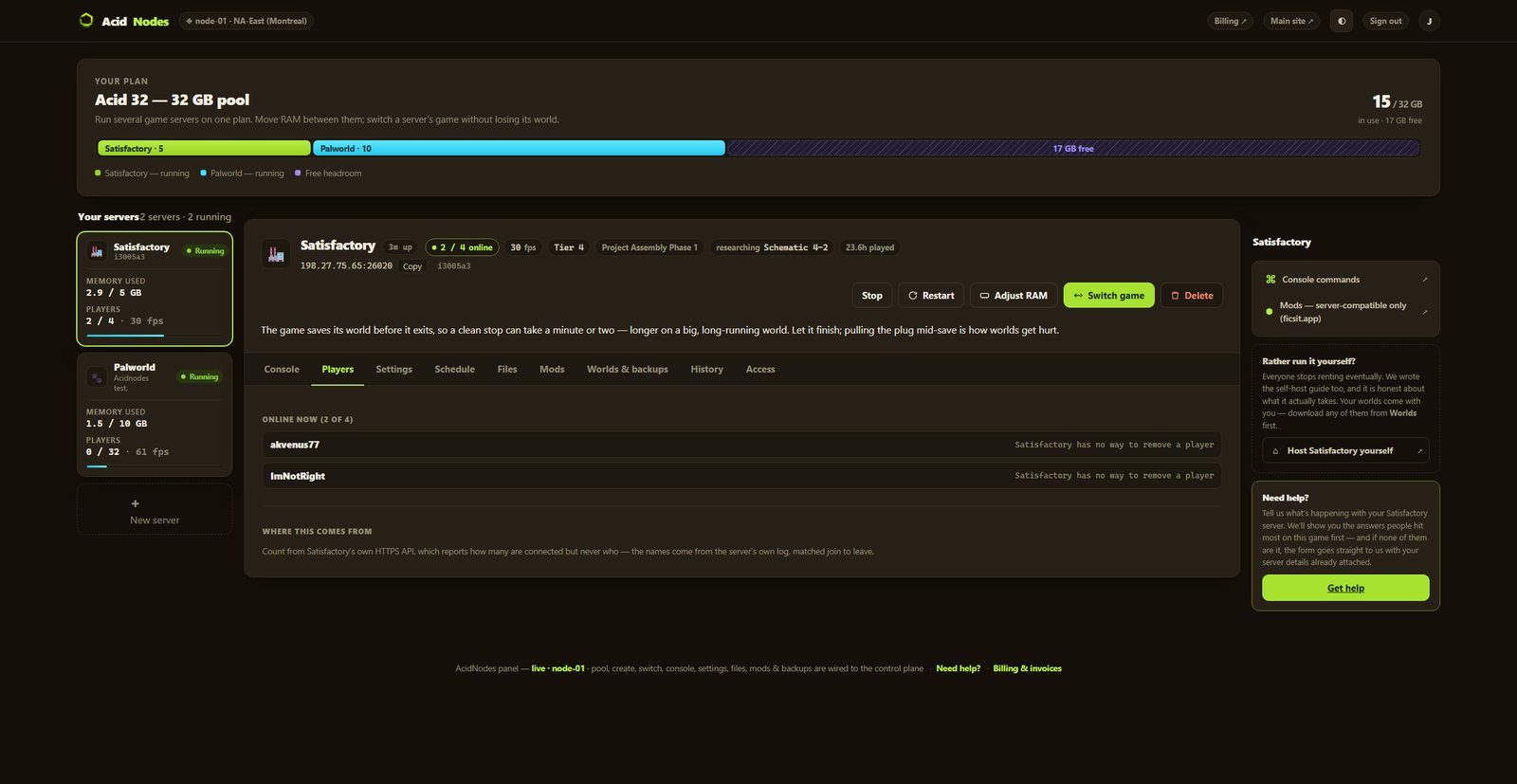 Shown on Satisfactory — panel may differ slightly by game
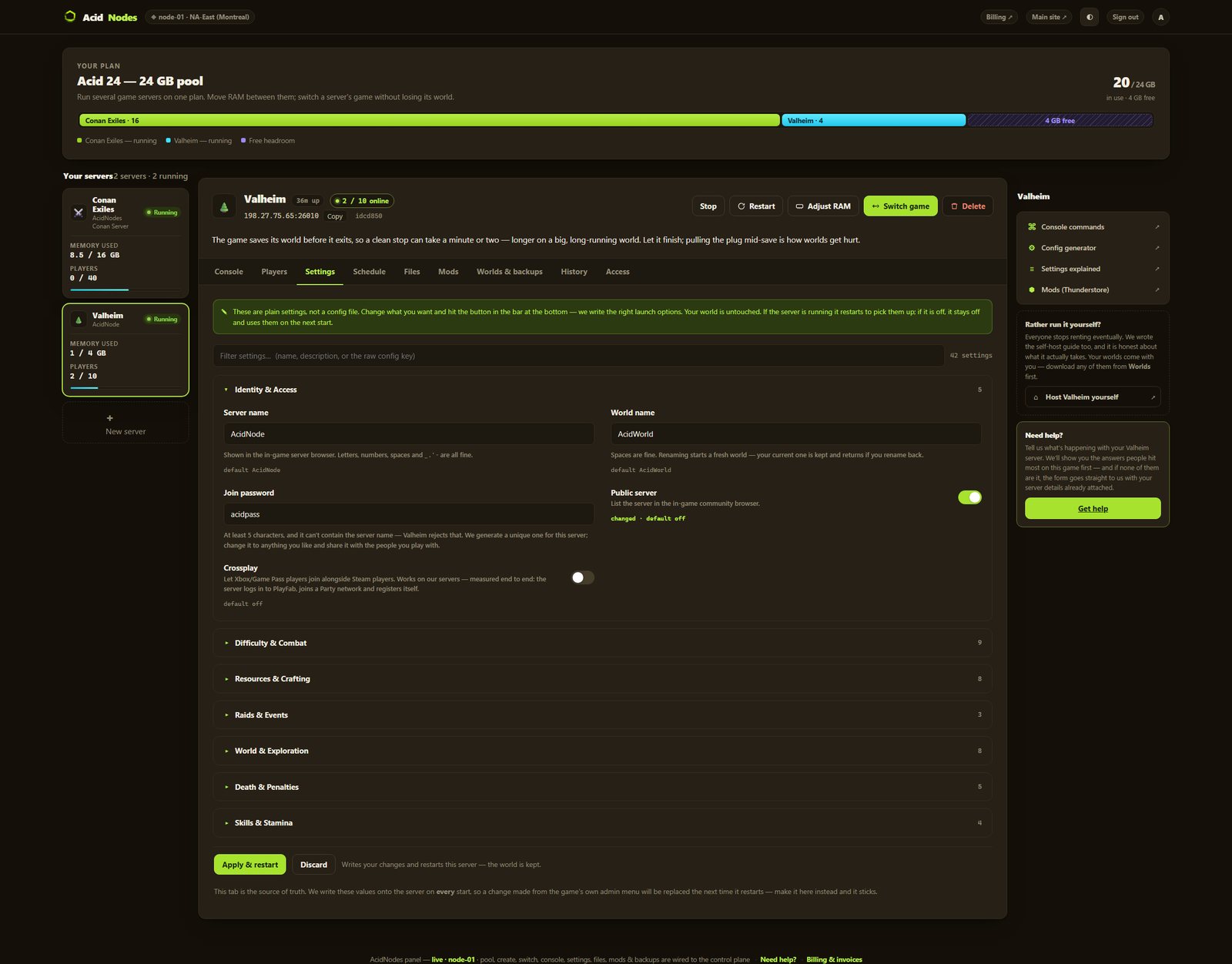 Shown on Valheim — panel may differ slightly by game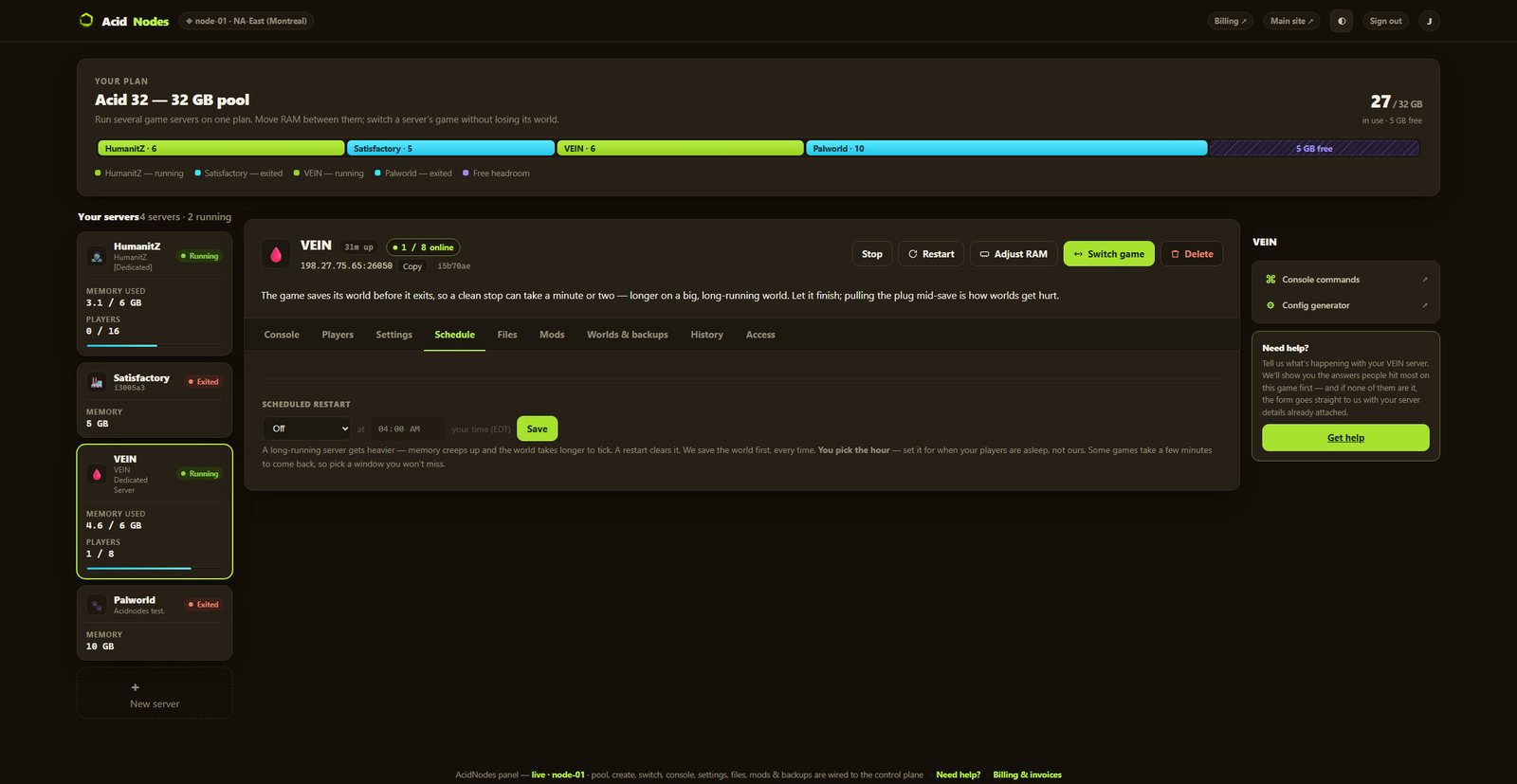
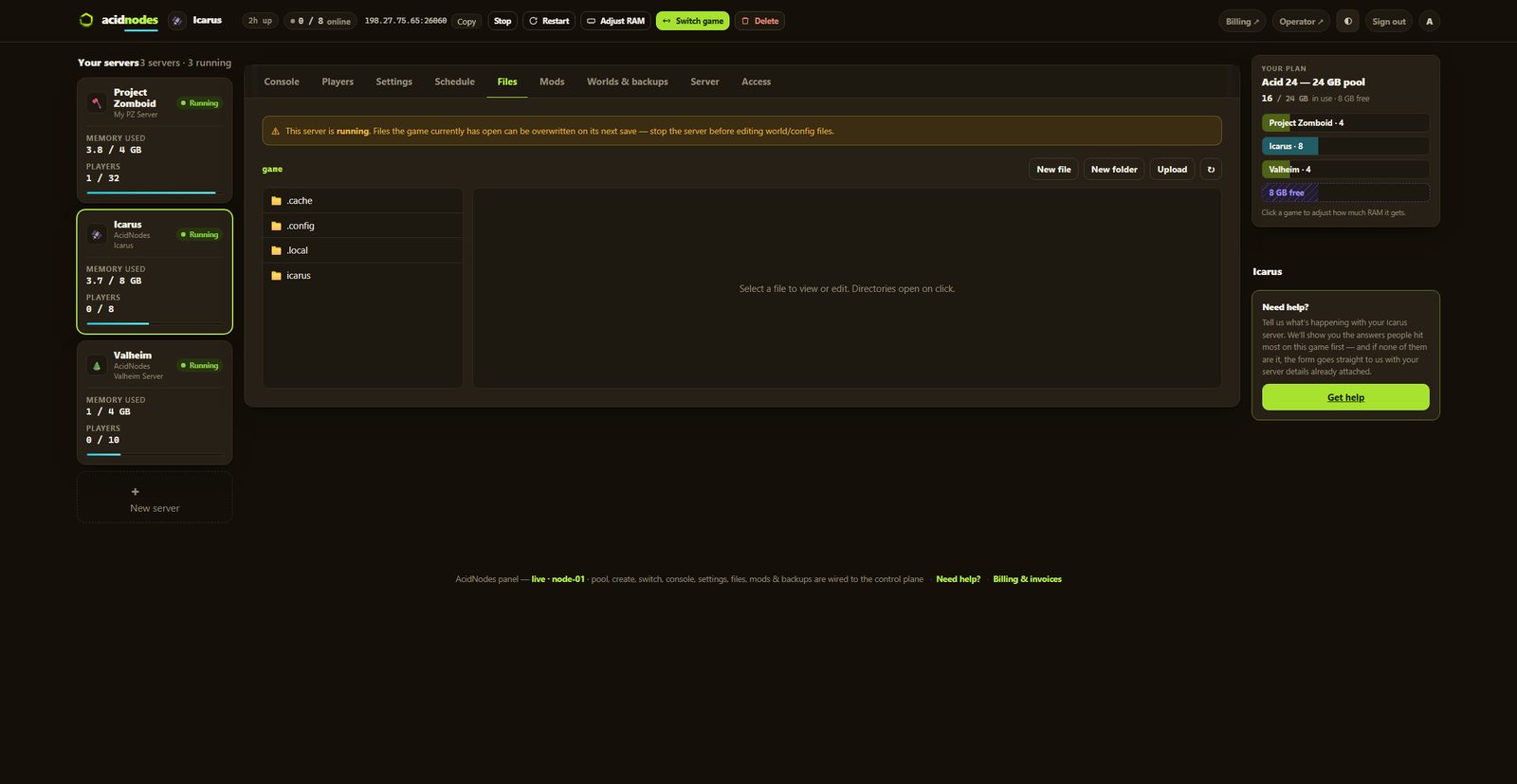
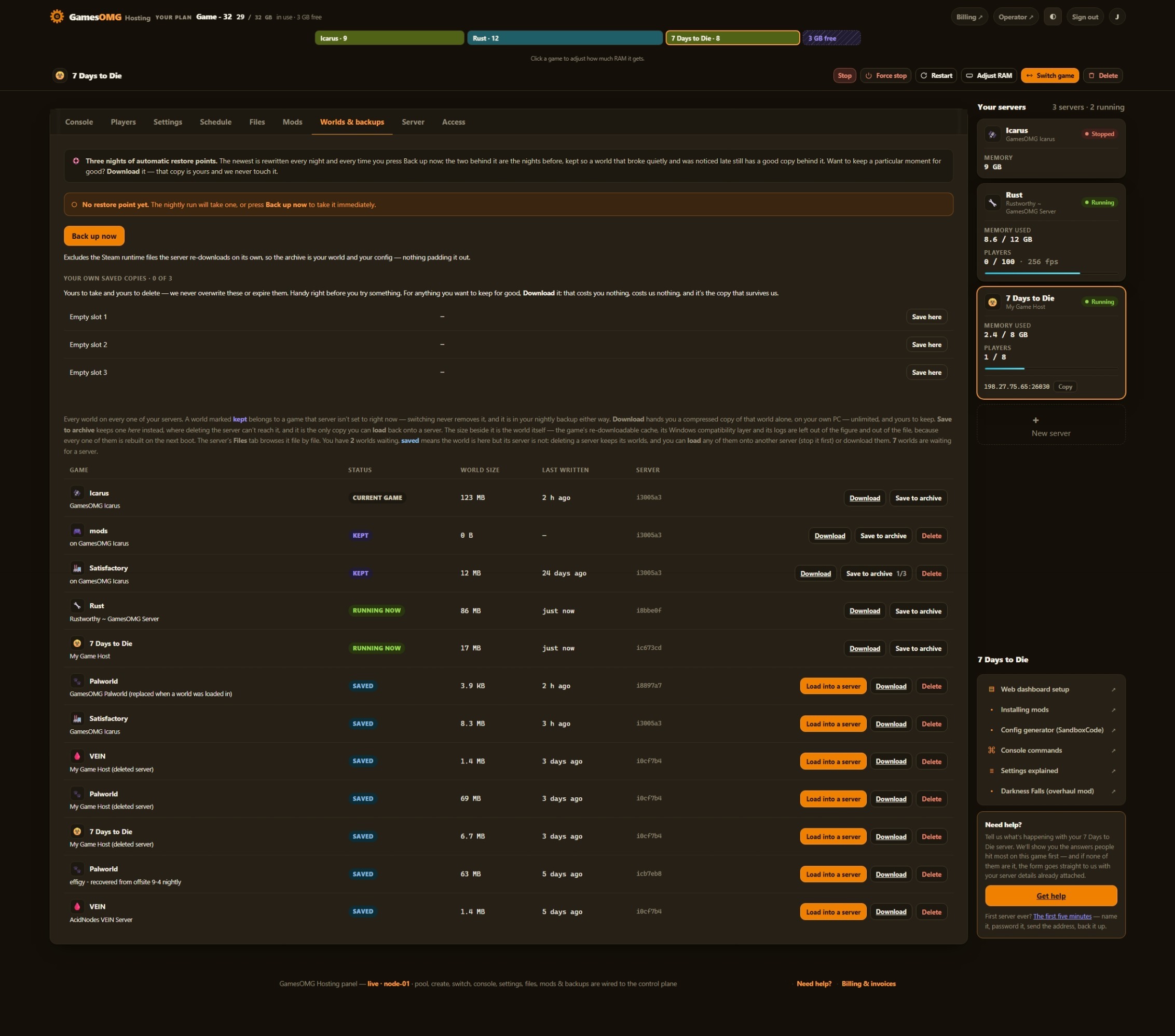
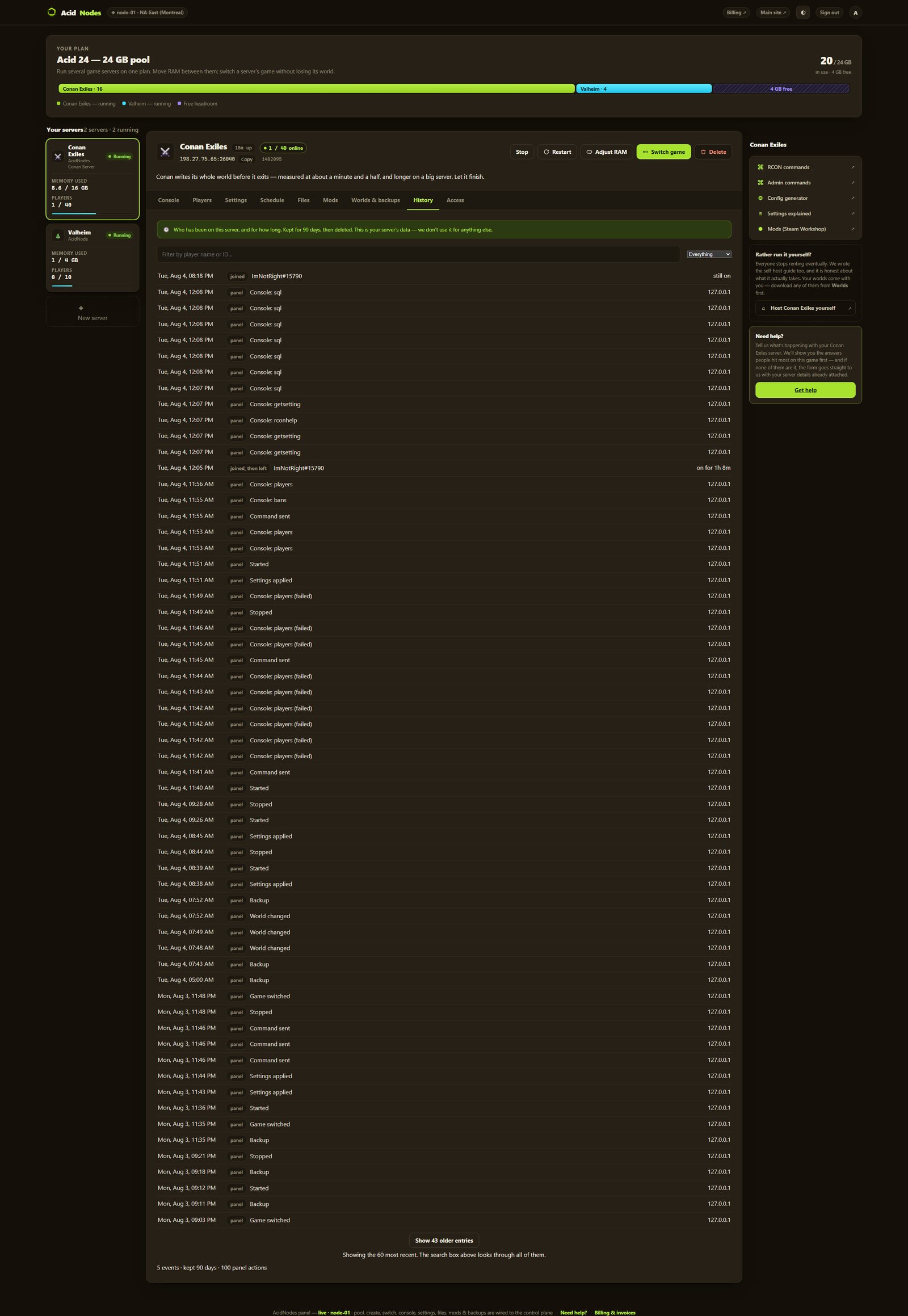
Automatic server install.
84 settings as labeled fields, each with the game’s own default beside it
No mods yet — both of PixARK’s config files are yours to edit in the browser
Nightly off-site backups, full file access, and your world downloadable any time
You set the player limit — PixARK ships at 70, and we never sell slots
Small groups and fresh worlds — the smallest box we would run this on
monthly · no contracts · 72-hour money-back · nightly off-site backups · cancel from the panel
What comes with a PixARK server
All of it on every plan. The rungs differ by memory, not by what you are allowed to do.
Run it from the browser
No SSH, no ticket, no waiting on us.
- ✓Start, stop and restart whenever you like
- ✓Scheduled restarts on a timer you set
- ✓84 settings as labeled fields, with the game’s own default beside each one
- ✓Password your server and see who is on it
- ✓Switch this server to another game and your PixARK world is kept — no charge, no rebuild, switch back whenever
- ✓Main world, Terracrypt or Skyward — one setting, and each map keeps its own world
- ✓Announce to everyone or say it in chat from the panel — each command tested with a player on our own server
A world that actually saves
The part we found the hard way.
- ✓Stops that keep your terrain — a stop or restart from the panel ends through PixARK’s own exit command, which saves every chunk; tested with blocks placed moments before a restart
- ✓A running server’s backup holds terrain as of the game’s last terrain save, at most five minutes old — stop it first and the copy has everything
- ✓We save before every stop and before every backup — we ask the game to write its world and wait for it to say it has
- ✓Nightly off-site backups — restore or download any of them yourself
Mods, bans and your files
They stick across restarts and updates.
- ✓Kick from the Players tab, by Steam ID — bans are not in the panel yet, so a join password is how you keep people out
- ✓No mods on PixARK yet — not proved on our setup, so no mod button. Both config files open in the file manager instead
- ✓File manager and config editor in the panel
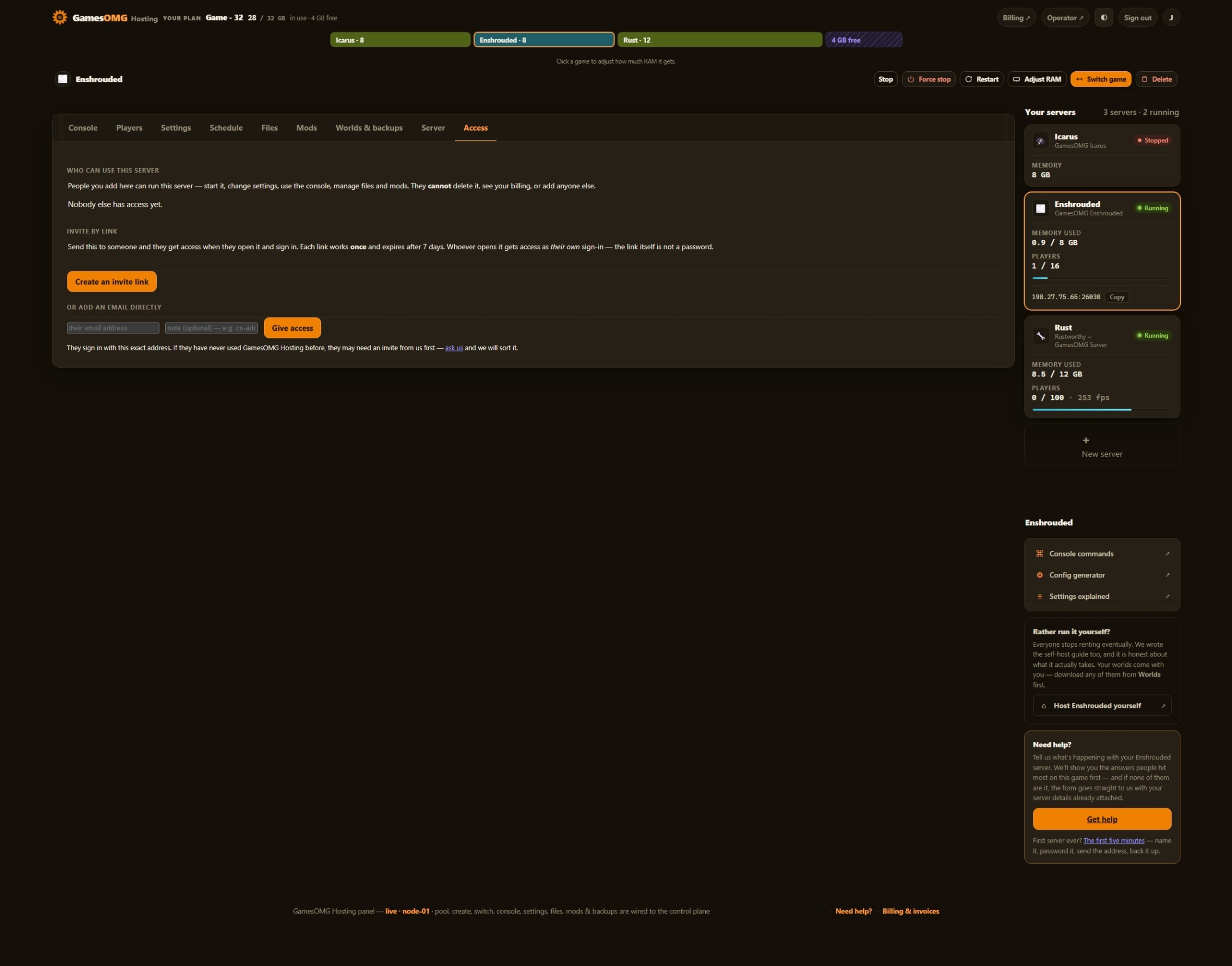
- ✓Share it with a friend — an invite link or their email, for this one server, revoked whenever you like
- ✓A history you keep — joins, leaves, power actions and setting changes, stored outside the container so a rebuild cannot erase it
- ✓Discord notifications — crashes, restarts, updates and who changed what, sent to your own channels, each one getting only what you switch on
- ✓Bring a world in, or take yours out, whenever you want
The hardware, named
You can go and look every part of this up.
- ✓AMD Ryzen 9 9950X — not “premium hardware”
- ✓NVMe SSD storage
- ✓Dedicated RAM, never oversold — the number is on your receipt
- ✓DDoS-protected network
- ✓Direct game and query ports — no proxy hops
- ✓NA East (Montreal), one location, stated plainly
The three things we found
running PixARK ourselves.
Each one is a fix on our own node, and each one is a support ticket you never open.
We end it the way the game saves.
PixARK keeps its blocks in a separate terrain store that its save command never writes; the game commits terrain on its own five-minute cycle, or when the chunks close. Stop the server with Ctrl-C or a kill and everything dug and placed since that last cycle is gone — the blocks are missing from the world and not back in anyone’s inventory, and our tester respawned in a hole that had filled back in. So our stop saves the world, then ends the server through the game’s own exit command, DoExit, which closes and saves every chunk before it quits. Tested twice with a player on the server: everything placed and dug after the last terrain save was still there.
We register it as the game.
A PixARK server is installed from Steam as its own tool, and if it announces itself under that tool’s id it runs perfectly and never appears in the game’s server list — players browse the game, not the tool. Ours did exactly that at first, so ours registers as the game, which is what puts it in the list under the name you choose.
We set it where it counts.
PixARK reads a player limit from its config file and then ignores it: we wrote 10, the game rewrote the file to its own 70 and told the server list 70. So the Player slots field rides the command line, the one place the game takes it from, instead of sitting in a file the game overwrites.
How much RAM does a PixARK server need?
An empty PixARK server on our own node, read off the kernel, held 3.26 GB on the main world and 3.34 GB with a player on it. Terracrypt idled near 3.8 GB and Skyward near 3.5 GB. On a 4 GB box Terracrypt would start at 95% with nobody on — close enough that the first busy moment becomes a stall, and we have withdrawn a rung for exactly that before. So the plan starts at 6 GB at $16.50. What we have not measured yet is a busy server: every number here is an empty world or one player, and a crowd digging and building across the map is the growth that matters. Big group? Start at 8 or 10 GB — the plan is a pool, so you can move the RAM later, or run a second game beside this one, without losing a world.
And if you would rather not choose: your RAM is a pool. Size up once and run PixARK and something else side by side on the same plan, with no second bill.
Straight answers, no pitch
How much does a PixARK server cost?
From $16.50/mo for 6 GB of guaranteed dedicated RAM, $22 for 8 GB, $27.50 for 10 GB, and up the ladder to $59 for 24 GB. No setup fee and no slot pricing — the player cap is a setting in your panel, not a line on your bill.
How much RAM does a PixARK server need?
Measured, not guessed. Read off the kernel on our own node, a fresh PixARK server held 3.26 GB on the main world with nobody on and 3.34 GB with a player in it. The other two maps sit higher: Terracrypt idled near 3.8 GB and Skyward near 3.5 GB. On a 4 GB box Terracrypt would start at 95% with nobody on, so the plan starts at 6 GB. What we have not measured yet is a busy server — every number here is an empty world or one player. Big group? Start at 8 or 10 GB — the plan is a pool, so you can move the RAM later without losing the world.
Will a restart lose what we dug and built?
No — and on PixARK that is the question worth asking. PixARK keeps its blocks, everything dug out and everything placed, in a separate terrain store that its ordinary save command never writes; the game commits it on its own five-minute cycle, or when it closes the chunks. Stop a server with Ctrl-C or a kill and everything since that last cycle is gone: the holes fill back in, and placed blocks are missing from the world and not back in anyone’s inventory either. A stop or restart from our panel saves the world, then ends the server through the game’s own exit command, which closes and saves every chunk before it quits. We proved it with a player on the server: blocks placed and holes dug moments before a restart were all there afterwards. A crash is different, and so is a server hung too hard to answer that command — nothing gets the chance to close the chunks, so the game’s last five-minute terrain save is what comes back.
How do my friends join?
Your server shows up in PixARK’s own server browser under the name you give it in Settings, and the panel shows its address. Want it private? Set a join password in Settings. One thing we fixed so you never meet it: a PixARK server has to register with Steam as the game itself, not as the server tool it is installed from. Set up the other way, it runs perfectly and never appears in the list. Ours registers as the game.
Can I change the server settings?
Yes — 84 of them, each a labeled field with the game’s own default beside it. Before a key became a field we checked that the server program itself contains it, and dropped the ones it does not — including a few that hosting guides still list, which would sit in your config doing nothing. Two things worth knowing: PixARK ignores the player cap in its own config file and rewrites it, so the Player slots field goes on the command line, the one place the game takes it from; and the game’s built-in presets may override some multipliers, which the fields that could be affected say beside them. It all lives on your volume, so a restart, a resize or a game switch cannot reset it.
Can I bring my world from another PixARK server?
Yes. A PixARK world is one folder, and the server opens it by name. In the file manager, go to Saved/CubeServers/ and the folder for your map (CubeWorld_Light is the main world), make a folder for your world — letters, numbers, - and _ — and upload your world’s files into it: World.ini, Generator.ini, Terrain.arg, the two terrain databases and the Map folder with its .ark. Then set World name in Settings to that folder’s name (and Map, if it is a Terracrypt or Skyward world) and apply. We tried exactly that on our own node: the copied world came up in under a minute, the speed of a world that already exists, kept its own seed and left its terrain files byte for byte as they arrived — nothing was regenerated. The terrain databases are about 800 MB each, and the file manager sends big files up in pieces, so on a home connection that part takes a while. Your players’ characters are kept outside the world folder, in Saved/SavedArks/; bring that folder too, or everyone starts a new character.
How do I start a fresh world without losing this one?
Change World name in Settings and apply. The server opens a brand-new world in a folder of that name, with its own random seed, and builds its terrain on the first start (about a minute and a half on our node). The old world stays exactly where it was: set the old name back and it comes up again. Every world you make this way keeps its own folder, at roughly 1.5 GB each.
Can I play Terracrypt or Skyward?
Yes — all three maps boot on our servers, and picking one is the Map setting: the main world, Terracrypt or Skyward. Each map keeps its own world, so switching starts a separate one and switching back brings the old one up again. Terracrypt is paid DLC, so your players need it too.
Can I run PvP?
Yes. PixARK’s modes are switches on the Settings tab. Pioneering — PvE, nobody can hurt anybody — is the game’s own default, and we checked that a fresh server really starts there. For Chaos, PvP around the clock, turn PvE off and switch on PvP at all times. For Fury, PvP only inside a weekly war window, turn PvE off and switch on PvP in the war window. PixARK runs that window every weekend, from Saturday to the end of Sunday, UTC; the hour it opens on Saturday is a field right beside the switch. The days and the Sunday 23:59 close are fixed by the game itself — we tried setting them on our own server and it ignored every other value, so we offer the one part it takes.
Will I see who is on, and can I kick someone?
Yes to both. The Players tab lists everyone by name with their Steam ID, read from the server over RCON, and Kick sits on each row — tested with a player on our own server. A kick does not stop them rejoining. Bans are not in the panel yet, because we only wire what we have proved with someone on the server; until they are, a join password in Settings decides who gets in.
Does the panel have a console I can type commands into?
Yes — PixARK has RCON, so the console takes commands: save the world, see who is online, put an announcement across everyone’s screen, say something in chat as SERVER, and kick by Steam ID. Type help for the list. Each one was tested with a player on our own server, and we stop at that list on purpose: PixARK answers a command it does not recognise with Server received, But no response!!, which reads like success, so a typo would look as if it had worked. The save there is the game’s own: it writes creatures, structures and characters, while the terrain is written on the game’s five-minute cycle and when the server stops.
Can I run mods on a PixARK server?
Not yet, and we would rather say so before you buy. We have not proved that a PixARK dedicated server loads Workshop mods on our setup, and we do not put a button on a page until it works on our own server — so there is no mod button here. Both of the server’s config files open in the panel’s file manager, and its settings are panel fields.
Do you back up my world?
Yes — nightly, automatically, off-site on a separate network, plus your own named copies we never overwrite and one kept from before every game update. Restore or download any of them yourself from the panel, no ticket. One PixARK detail we would rather tell you than have you find: PixARK writes its terrain to disk every five minutes and when the server stops, so for a backup with every last block in it, stop the server first — the stop writes everything before the copy is taken.
Why does the first start take longer?
Because PixARK builds the world’s terrain the first time a world starts. On our node that took about a minute and a half on the main world, and after that a start is under a minute; Terracrypt’s first start is the longest of the three maps. The server is busy, not stuck.
Can I switch my server to another game later?
Yes, and your PixARK world stays put. Switching moves your plan’s RAM to a different game; switch back and the world is waiting. No second bill, no reinstall and no extra charge — the plan is a pool of RAM, not a slot in a box.
Where are the servers?
NA East (Montreal) — AMD Ryzen 9 9950X, NVMe storage, DDoS-protected network, direct game and query ports with no proxy hops.
Something off on your PixARK server? PixARK troubleshooting — the problems people hit, each fixed in the panel.