7 Days to Die hosting with the SandboxCode and 57 server settings as labeled fields.
Version 3 folded this game’s gameplay settings — 165 of them in the current build — into one SandboxCode string, and most hosts just hand you the box to paste it into. We show you that field and the 57 server properties around it — land claims, player cap, world and seed, EAC, crossplay — each a labeled field with its default beside it (the game’s own, except the save name and the random-world seed). On a Ryzen 9 9950X, from $22/mo for 8 GB of guaranteed dedicated RAM, measured at 2.03 GB idle before we priced it. Your Mods folder is yours: bring the overhaul you trust.
- ✓Backed up nightly, off-site — restore or download them yourself.
- ✓Every file is yours — file manager and config editor in the browser.
- ✓Share the server, not your account — and take the keys back anytime.
- ✓Switch games later, keep the world — your RAM is a pool.
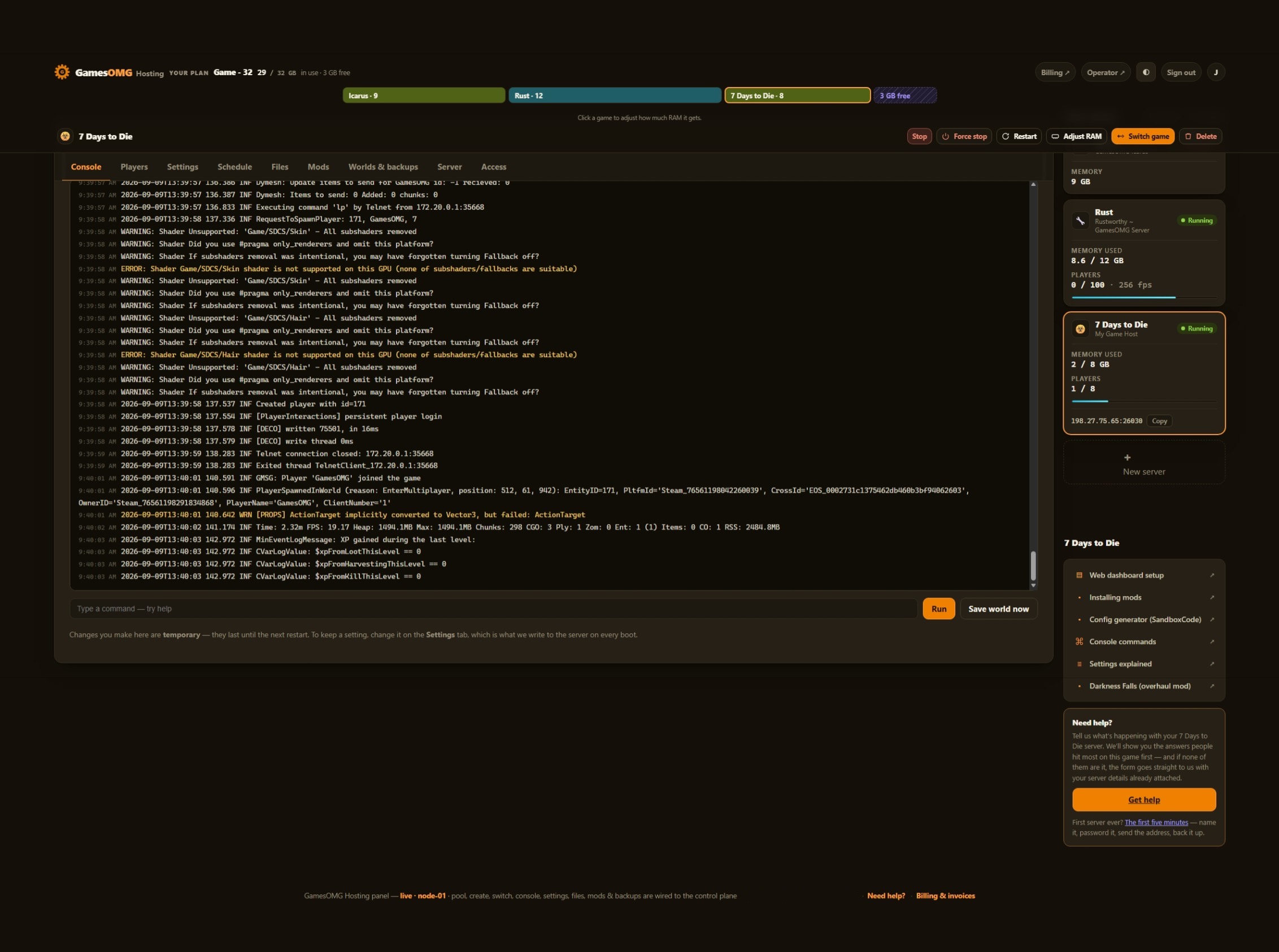
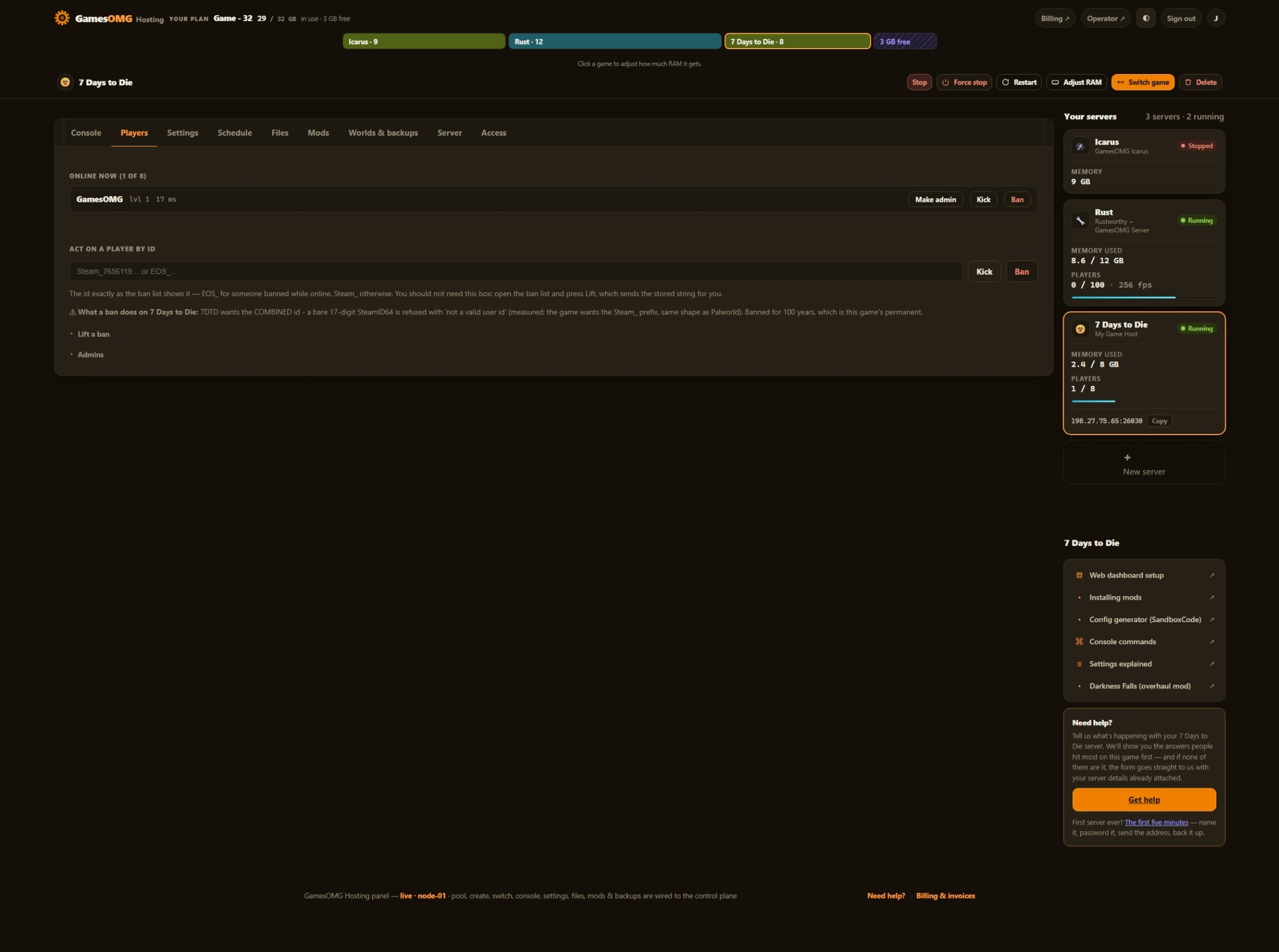
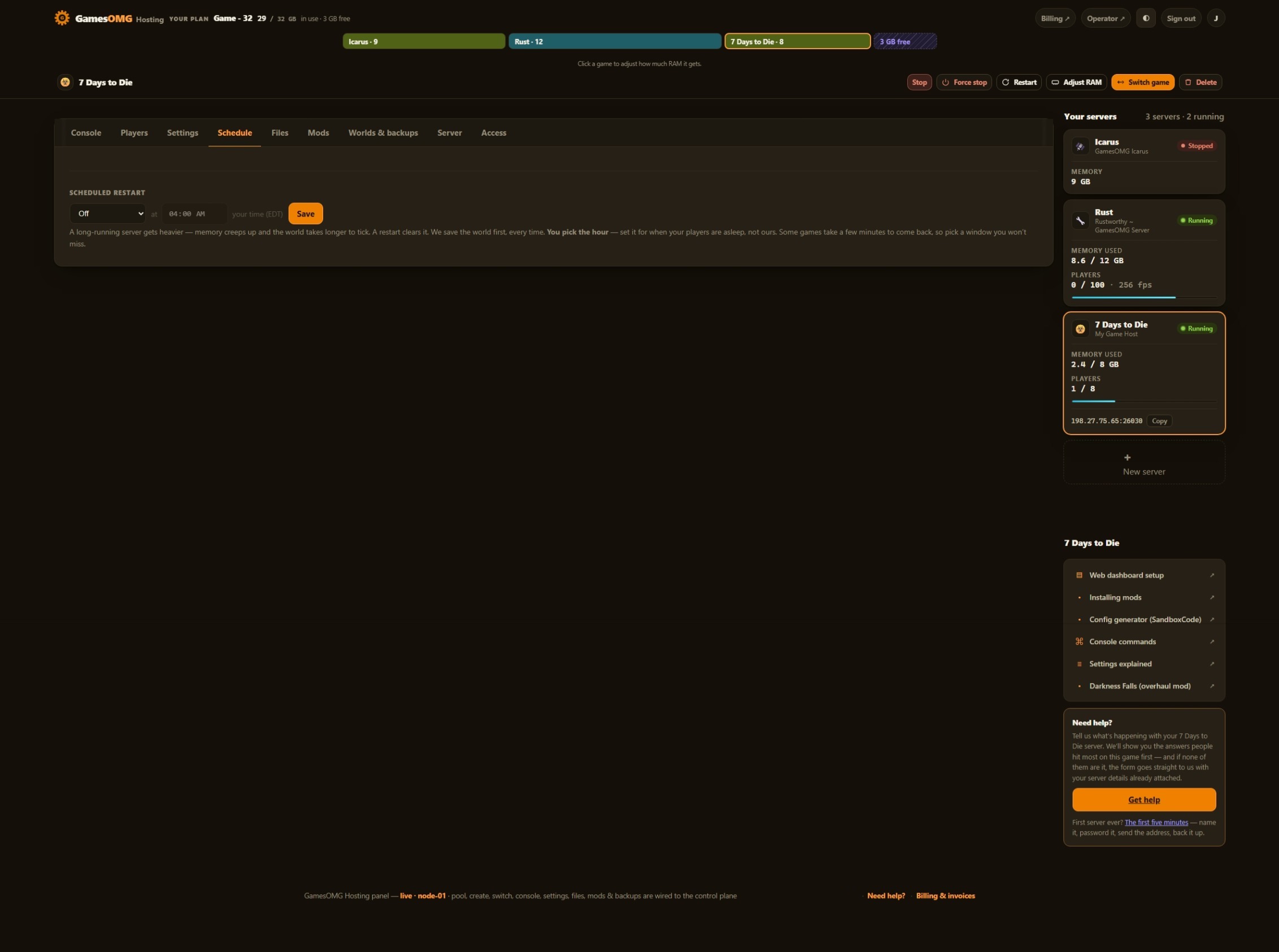
Automatic server install.
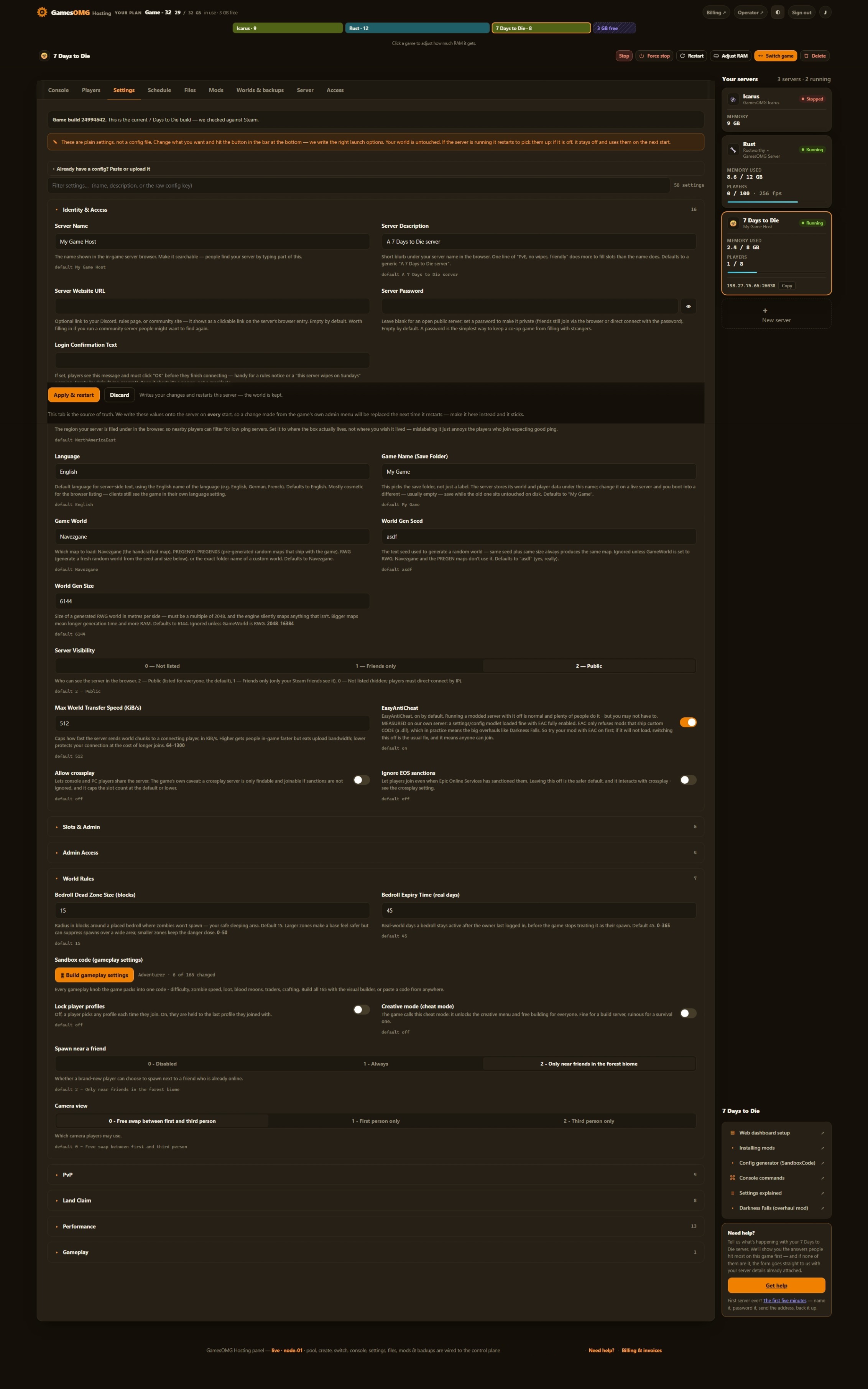
58 settings as labeled fields, each with the game’s own default beside it
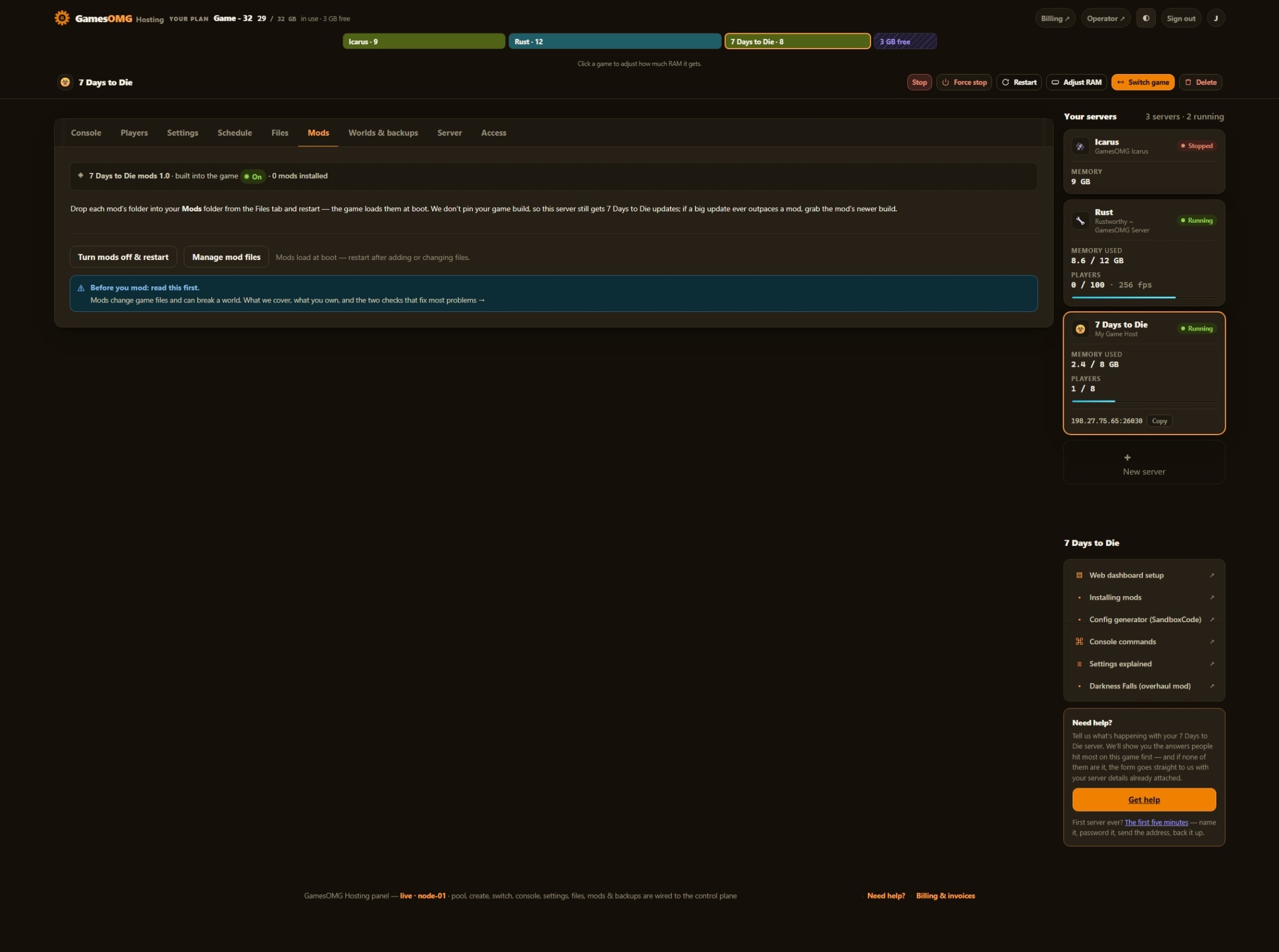
Drop an overhaul in the Mods folder — no loader needed
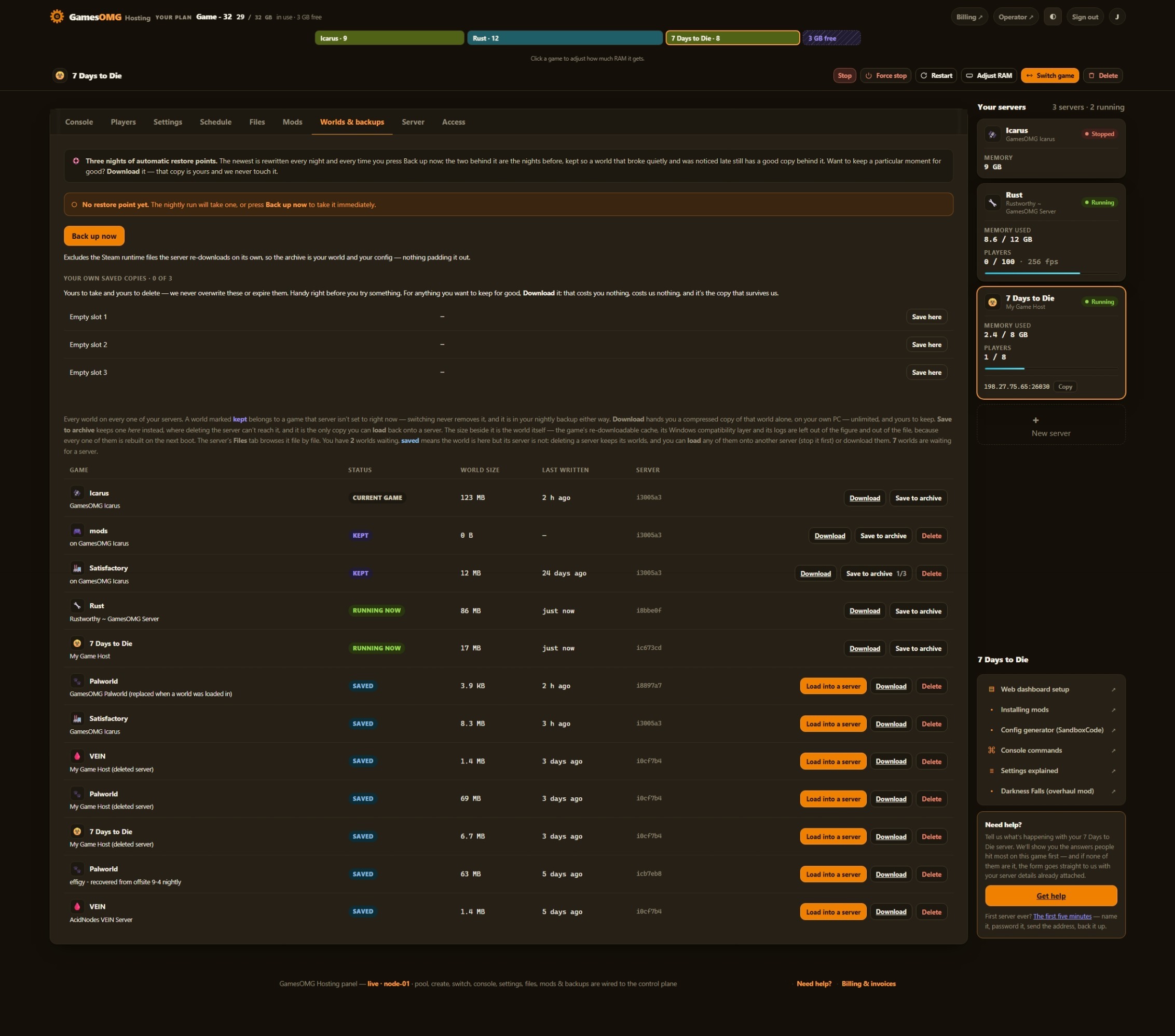
Nightly off-site backups, full file access, and your world downloadable any time
You set the player limit — 7 Days to Die ships at 8, and we never sell slots
Small groups and fresh worlds — the smallest box we would run this on
monthly · no contracts · 72-hour money-back · nightly off-site backups · cancel from the panel
What comes with a 7 Days to Die server
All of it on every plan. The rungs differ by memory, not by what you are allowed to do.
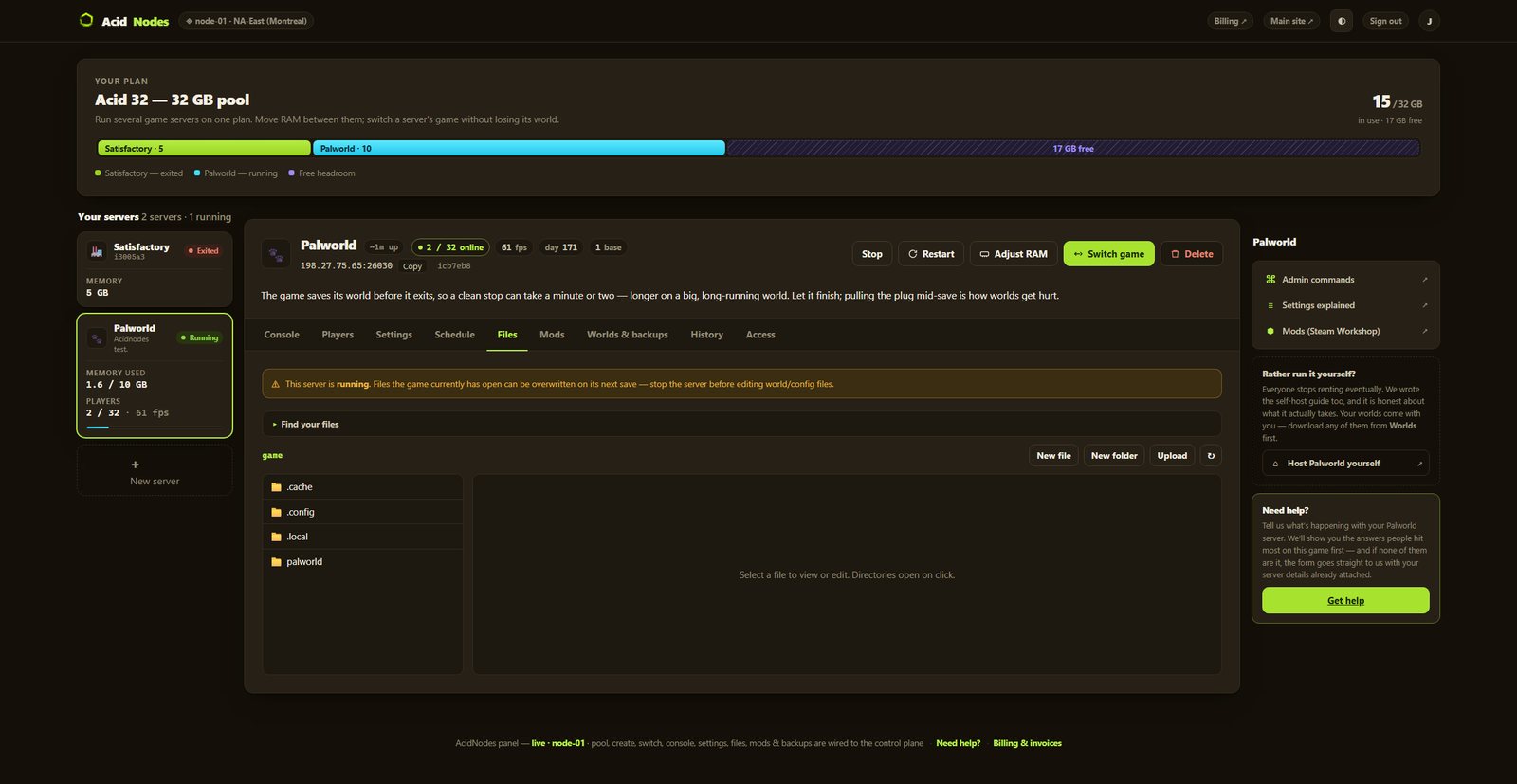
Run it from the browser
No SSH, no ticket, no waiting on us.
- ✓Start, stop and restart whenever you like
- ✓Scheduled restarts on a timer you set
- ✓Password your server and see who is on it
- ✓Switch this server to another game and your 7 Days to Die world is kept — no charge, no rebuild, switch back whenever
A world that actually saves
The part we found the hard way.
- ✓Stop saves the world — 7 Days to Die writes it on our stop signal and exits cleanly, in under three seconds on a fresh world; measured, not assumed
- ✓Nightly off-site backups — restore or download any of them yourself
Mods, bans and your files
They stick across restarts and updates.
- ✓File manager and config editor in the panel
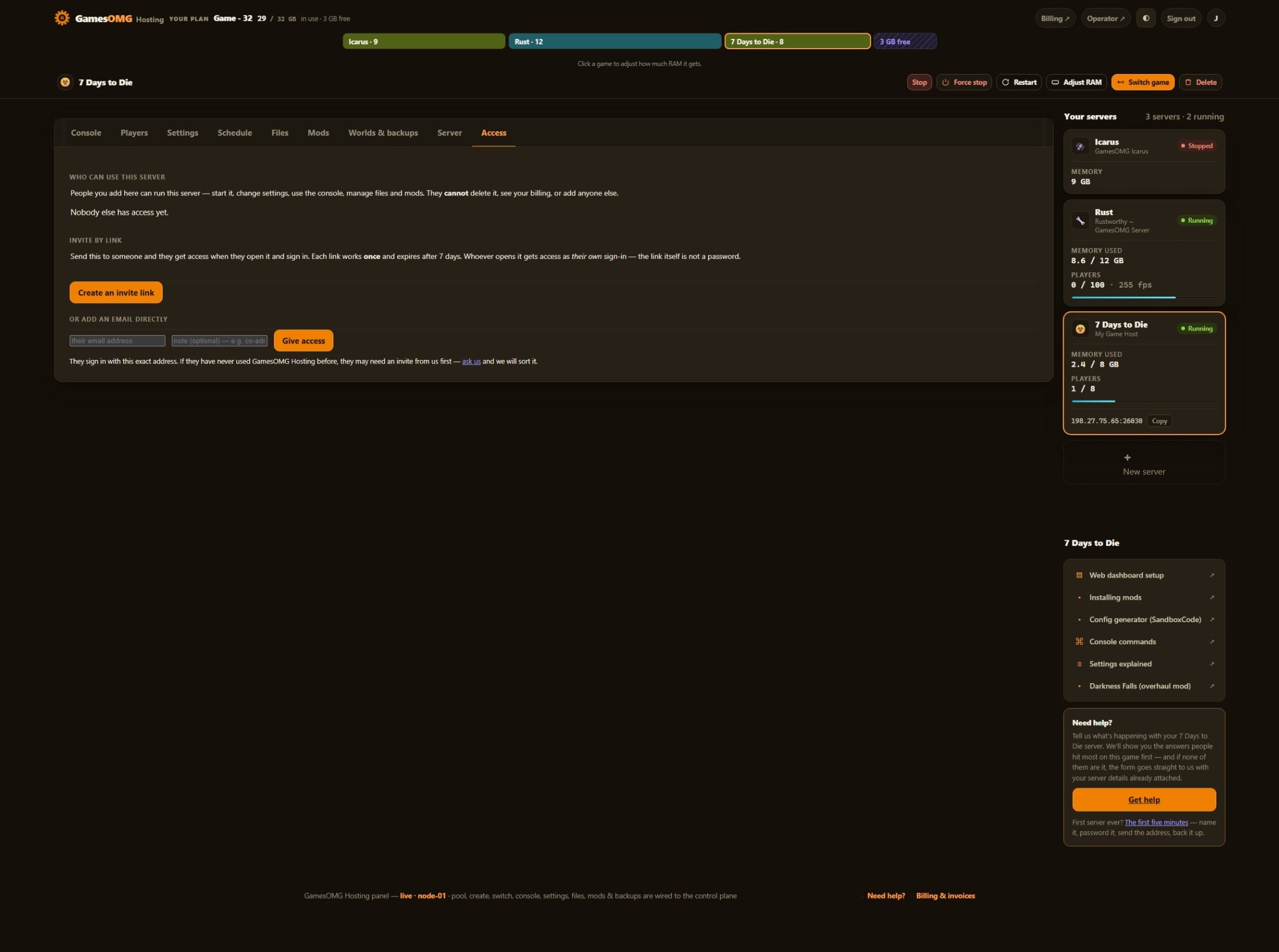
- ✓Share it with a friend — an invite link or their email, for this one server, revoked whenever you like
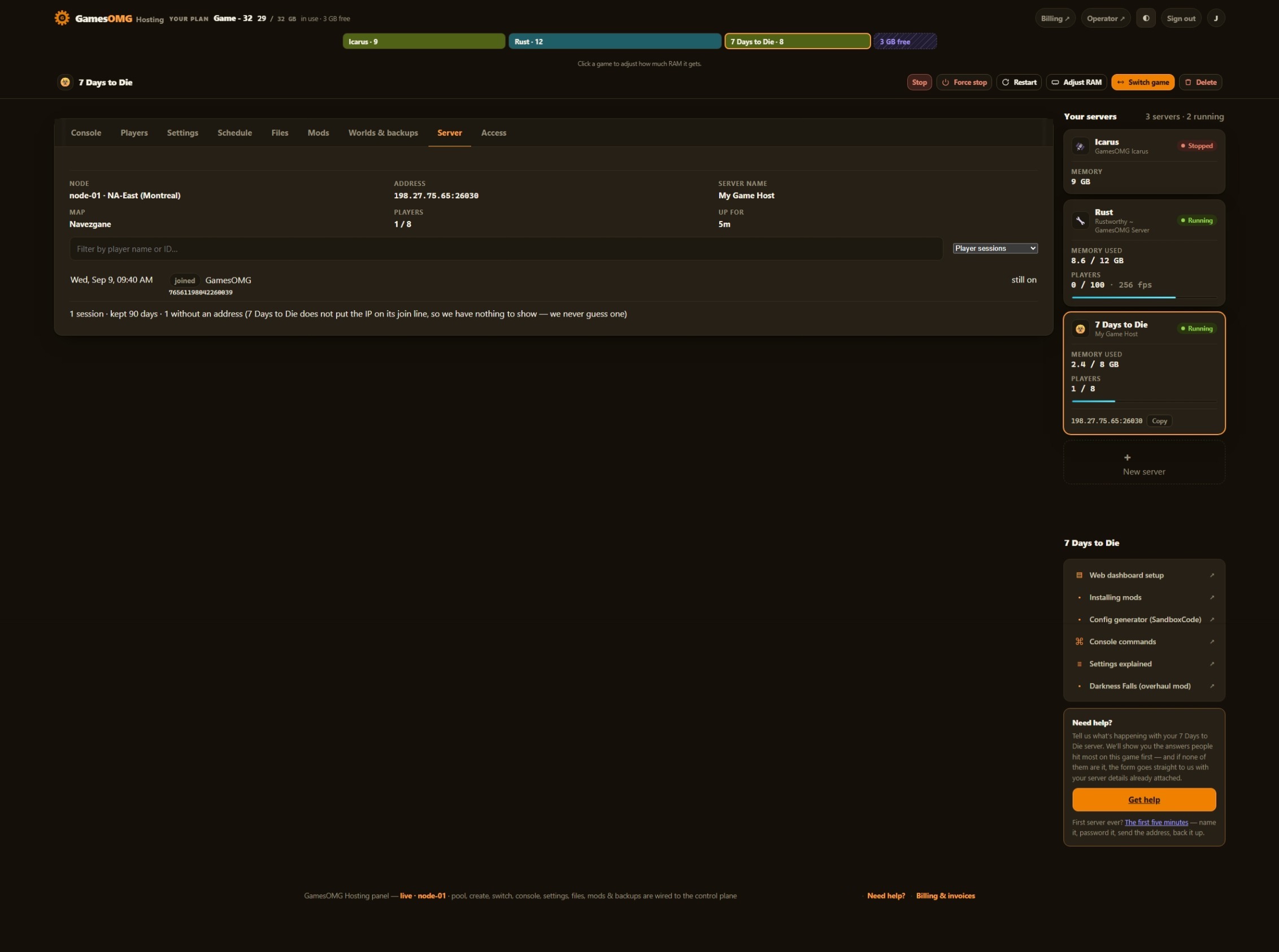
- ✓A history you keep — joins, leaves, power actions and setting changes, stored outside the container so a rebuild cannot erase it
- ✓Discord notifications — crashes, restarts, updates and who changed what, sent to your own channels, each one getting only what you switch on
- ✓Bring a world in, or take yours out, whenever you want
The hardware, named
You can go and look every part of this up.
- ✓AMD Ryzen 9 9950X — not “premium hardware”
- ✓NVMe SSD storage
- ✓Dedicated RAM, never oversold — the number is on your receipt
- ✓DDoS-protected network
- ✓Direct game and query ports — no proxy hops
- ✓NA East (Montreal), one location, stated plainly
The settings the game actually has,
and the mods folder you control.
The property list, the memory floor and the mod policy were all decided on our own node — and the reasoning is published.
We read the settings out of the game itself.
Version 3 collapsed difficulty, zombie speed, loot, blood moon, traders and crafting into a single SandboxCode — so a host that only shows you that box is showing you one field and calling it configuration. Another 57 properties decide how your server behaves: land claim size and decay, player cap and reserved slots, world and seed, anti-cheat, crossplay, view distance. Each is a labeled field here with its default beside it, checked against the game’s own shipped config rather than copied off a wiki.
2.03 GB idle — so we sell 8.
We read the memory off our own booted server: the unreclaimable working set from the kernel, not a dashboard figure padded with cache. An empty Navezgane world with nobody on: 2.03 GB. That is the number with nothing happening, and what grows a 7 Days server is chunk activity, spawned zombies and horde night — none of which are in an idle reading. So the floor is 8 GB, the idle figure is published here rather than buried, and a random-gen map or an overhaul is where we tell you to start at 12.
We ship no overhaul, and here is the reason.
Your Mods folder is a real folder in the file manager — upload an overhaul or anything else built for the current game release, restart, and the game loads it (Darkness Falls, when we last looked, had no build for it). We do not preinstall one, and the honest reason is worth more than a feature bullet: Darkness Falls ships purchased models and sounds under a licence that forbids redistribution, its author’s public code homes have been stale for years, and its canonical domain lapsed and now serves a fake installer. There is nothing there we could install and vouch for. Neglect by other hosts is an opportunity; neglect by a mod’s own author is a liability, and they look identical from outside.
How much RAM does a 7 Days to Die server need?
An empty Navezgane world with nobody on holds a 2.03 GB unreclaimable working set on our own node. That is the floor with nothing happening — 7 Days to Die grows with chunk activity, spawned zombies and blood moons, none of which show up in an idle reading — so the plan starts at 8 GB at $22. 8 GB suits a group of friends on Navezgane or a modest random map. A large random-generated world, a bigger group, or a full overhaul wants 12 GB. The plan is a pool, so you can move RAM between your servers later without losing a world.
And if you would rather not choose: your RAM is a pool. Size up once and run 7 Days to Die and something else side by side on the same plan, with no second bill.
Straight answers, no pitch
How much does a 7 Days to Die server cost?
From $22/mo for 8 GB of guaranteed dedicated RAM, $32 for 12 GB, $41 for 16 GB or $59 for 24 GB. No slot pricing and no setup fee — you set the player cap and the price does not move.
How much RAM does a 7 Days to Die server need?
We measured our own: an empty Navezgane world with nobody on holds a 2.03 GB unreclaimable working set, read from the kernel rather than a padded dashboard figure. That is the floor with nothing happening, and 7 Days to Die grows with chunk activity, zombie count and blood moons — so we sell 8 GB rather than advertising the idle number. A random-generated map, a bigger group, or an overhaul wants 12.
Can I change the world settings — difficulty, zombie speed, loot?
Yes. Version 3 of 7 Days to Die moved its gameplay settings — 165 of them in the current build: difficulty, zombie speed, loot abundance, blood moon frequency, traders, crafting — out of individual config lines and into a single SandboxCode string. The panel exposes that field, plus 57 server properties around it: name, password, player cap, land claims, world and seed, EAC, crossplay and the rest. Each one is a labeled field with its default beside it — the game’s own, except the save name and the random-world seed, where the panel starts from its own.
Can I run Darkness Falls or another overhaul?
Yes, if it has a build for the game version your server runs — our servers run the current release, and the panel does not offer older game versions. You bring it: your Mods folder is a real folder in the panel’s file manager, so upload the overhaul, restart, and the game loads it. Check Darkness Falls before you plan around it: when we last looked, its current release was built for game version 1.x, with no build for the current one. We deliberately do not ship one preinstalled, and we would rather explain why than pretend it is a feature gap: Darkness Falls in particular ships purchased models and sounds under a licence that forbids redistribution, its author’s public code homes have been stale for years, and its old domain lapsed and now serves a fake installer. There is no source we could install from and vouch for. So the folder is yours, and what goes in it is your call. The full mods guide covers installing, the EAC step, and what your players need.
Do I have to turn off EAC (anti-cheat) to use mods?
Not always — but if a mod is not working, EAC is the first thing to check. Anti-cheat is on by default and plenty of mods run fine with it (we have watched a modlet load with EAC on), but it conflicts with some, and the sign is usually that the mod does not load, the server will not start, or players cannot join after you add one. If you hit any of that, turn EAC off on the Settings tab and restart — it is a labeled toggle, and you can turn it straight back on if that was not the cause. Bigger mods and overhauls are the ones most likely to need it. The mods guide walks it through.
Does the panel have a console for 7 Days to Die?
Yes. 7 Days to Die talks over telnet rather than RCON, and our panel speaks it — so you get a real console: Who’s online, save, broadcast, kick, ban with a timer, unban, the ban list, admin management, and free-typing any command the game accepts. Your telnet password is generated for you, so the console works from the first boot. And because it is the game’s own console, the item and admin commands you would expect — give an item, spawn an airdrop, set the time or weather — are all there, exactly like Rust’s RCON.
Will I see who is playing?
Yes — name, level and ping, live, with kick and ban on each row. We read the roster from the game itself rather than guessing from the log — its own web API while the Web dashboard switch is on, its telnet console otherwise — so the panel and the in-game count agree and the name against each player is the real one.
Does 7 Days to Die have a web dashboard, and can I use it?
Yes — the game ships its own browser dashboard (a live map with your players on it, the player list, and the full console), and we make it one toggle. Turn on Web dashboard in Settings and a link appears on your Server tab. The one part that is not a button is the login: the dashboard wants a username and password you create in-game with createwebuser, which takes about thirty seconds — the full walkthrough is here, and your panel carries the short version right under the link.
Can I switch my server to another game later?
Yes, and your 7 Days to Die world stays put. Switching moves the RAM in your plan to a different game; switch back and the world is waiting. No second bill and no reinstall.
Something off on your 7 Days to Die server? 7 Days to Die troubleshooting — the problems people hit, each fixed in the panel.